44
Magnifying the Image
While viewing a still image ( ), the playback image can be magnified up to 5
times.
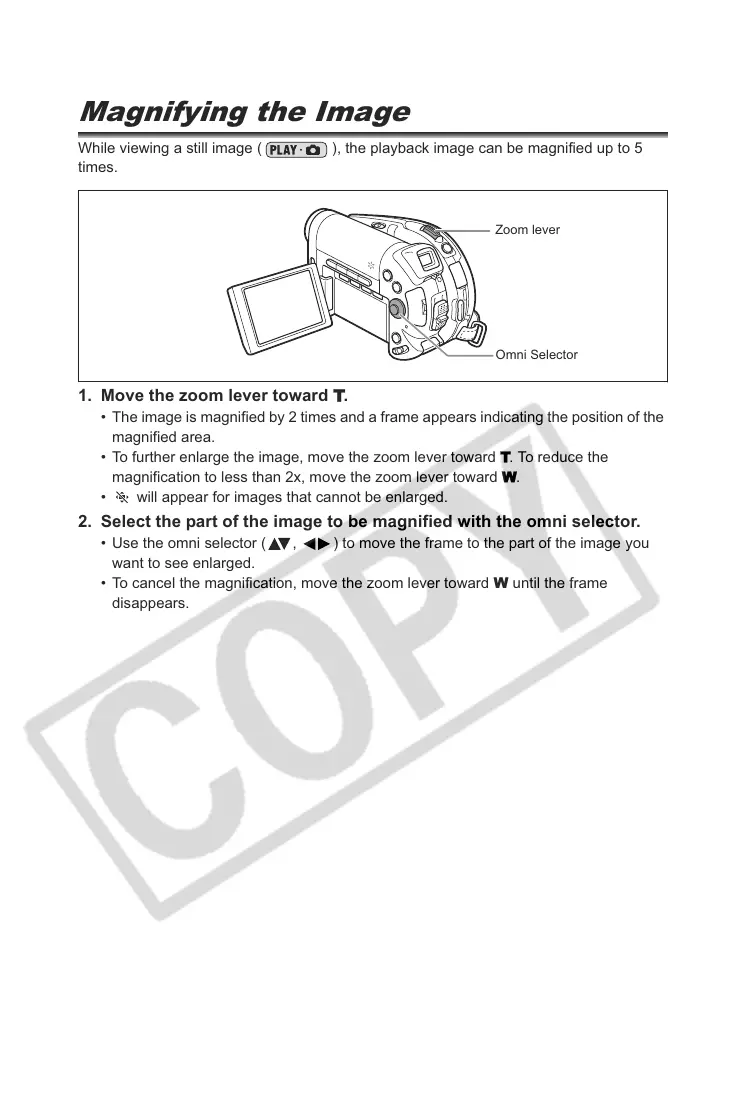
1. Move the zoom lever toward
.
• The image is magnified by 2 times and a frame appears indicating the position of the
magnified area.
• To further enlarge the image, move the zoom lever toward
. To reduce the
magnification to less than 2x, move the zoom lever toward
.
• will appear for images that cannot be enlarged.
2. Select the part of the image to be magnified with the omni selector.
• Use the omni selector ( , ) to move the frame to the part of the image you
want to see enlarged.
• To cancel the magnification, move the zoom lever toward W until the frame
disappears.
Zoom lever
Omni Selector



 To Next Page