37
Basic Functions
Recording
E
Zooming
The zoom is available when recording movies or stills. When recording movies
( ), in addition to the 10x optical zoom you can also use the 200x digital zoom
( 80).
10x Optical Zoom
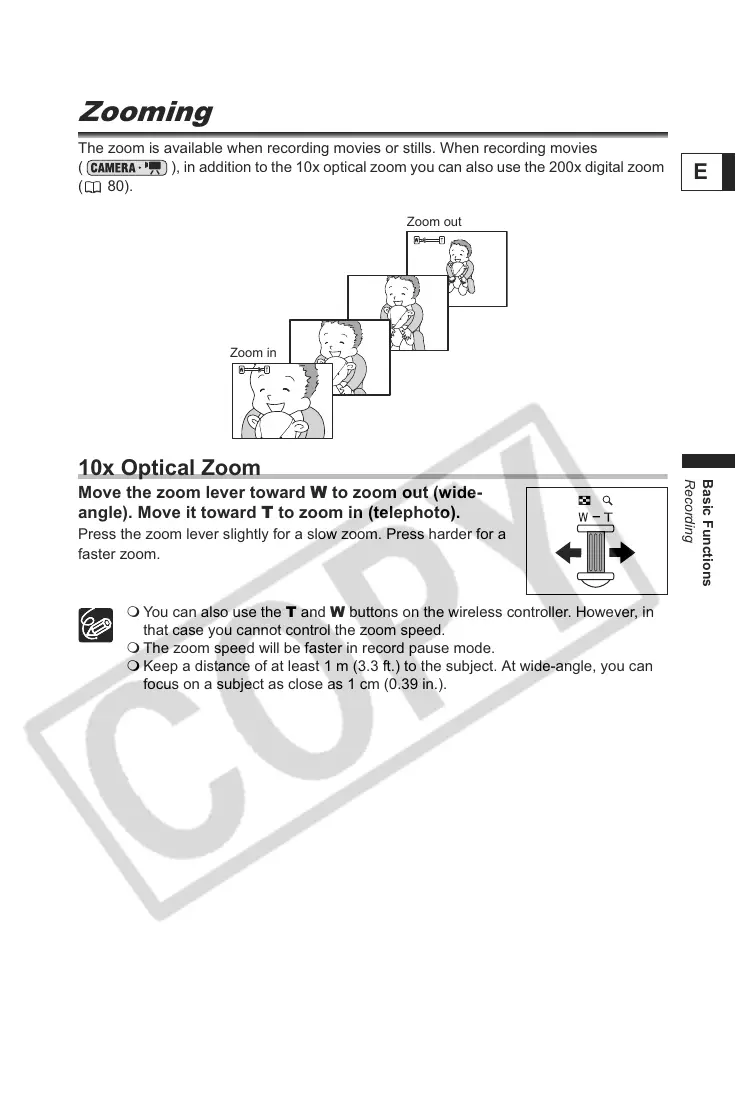
Move the zoom lever toward W to zoom out (wide-
angle). Move it toward T to zoom in (telephoto).
Press the zoom lever slightly for a slow zoom. Press harder for a
faster zoom.
You can also use the T and W buttons on the wireless controller. However, in
that case you cannot control the zoom speed.
The zoom speed will be faster in record pause mode.
Keep a distance of at least 1 m (3.3 ft.) to the subject. At wide-angle, you can
focus on a subject as close as 1 cm (0.39 in.).
Zoom out
Zoom in



 To Next Page