88
Deleting All Scenes
This option is only available with DVD-RW discs recorded in VR mode.
1. Set the camcorder to play movies ( ).
2. Press the MENU button.
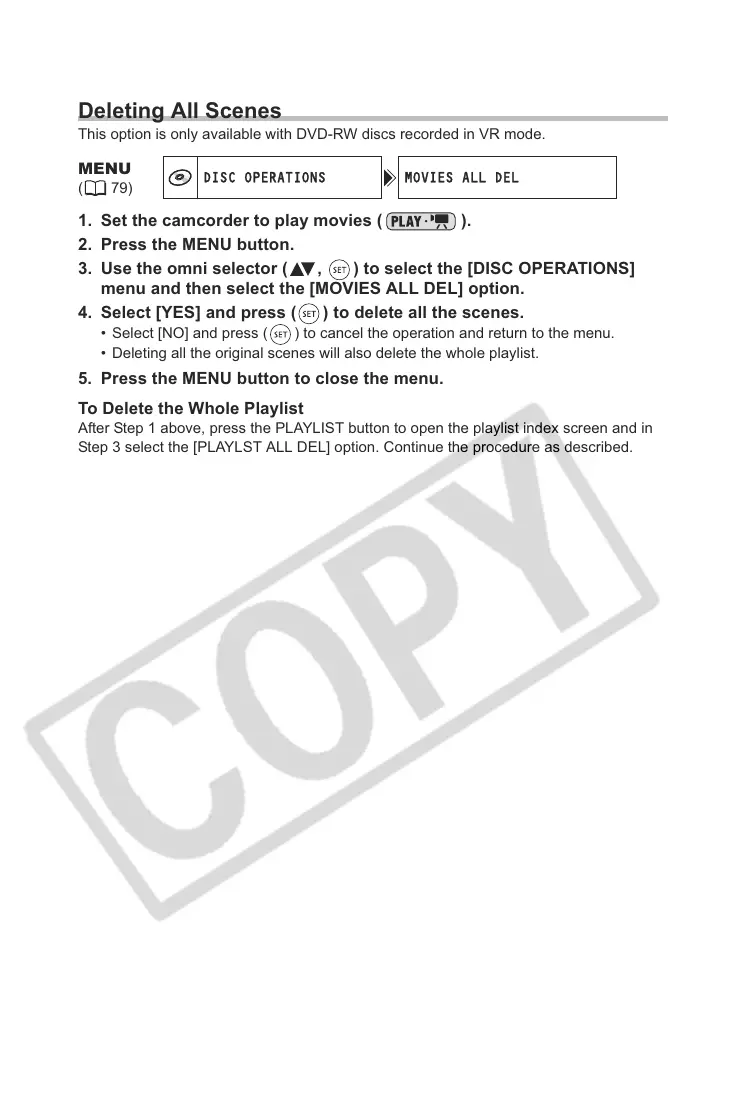
3. Use the omni selector ( , ) to select the [DISC OPERATIONS]
menu and then select the [MOVIES ALL DEL] option.
4. Select [YES] and press ( ) to delete all the scenes.
• Select [NO] and press ( ) to cancel the operation and return to the menu.
• Deleting all the original scenes will also delete the whole playlist.
5. Press the MENU button to close the menu.
To Delete the Whole Playlist
After Step 1 above, press the PLAYLIST button to open the playlist index screen and in
Step 3 select the [PLAYLST ALL DEL] option. Continue the procedure as described.
MENU
(79)
DISC OPERATIONS MOVIES ALL DEL



 To Next Page