100
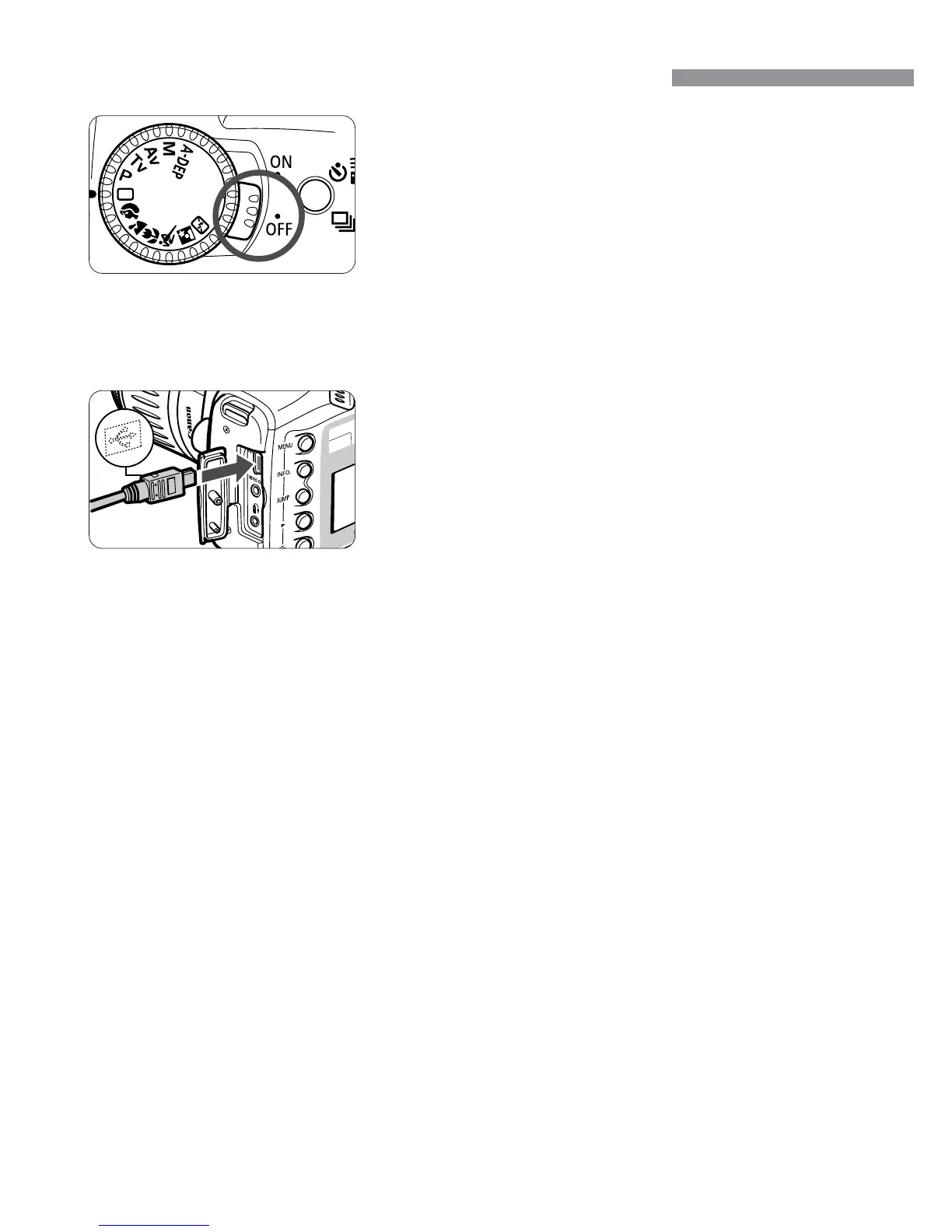
Connect the Camera to the Printer
Turn the Power switch to <2>.
1
Turn on the printer.
•
Certain printers may turn on when the
power cable is connected.
4
Connect the camera to the printer.
•
For information on which cable to use
and how to connect it to the printer,
refer to the printer’s instruction booklet.
•
When connecting the cable plug to the
camera’s <œ> terminal, the
cable plug’s <∂> icon must face the
front side of the camera.
3
Set up the printer.
•
For details, refer to the printer’s
manual.
2













 To Next Page