54
•
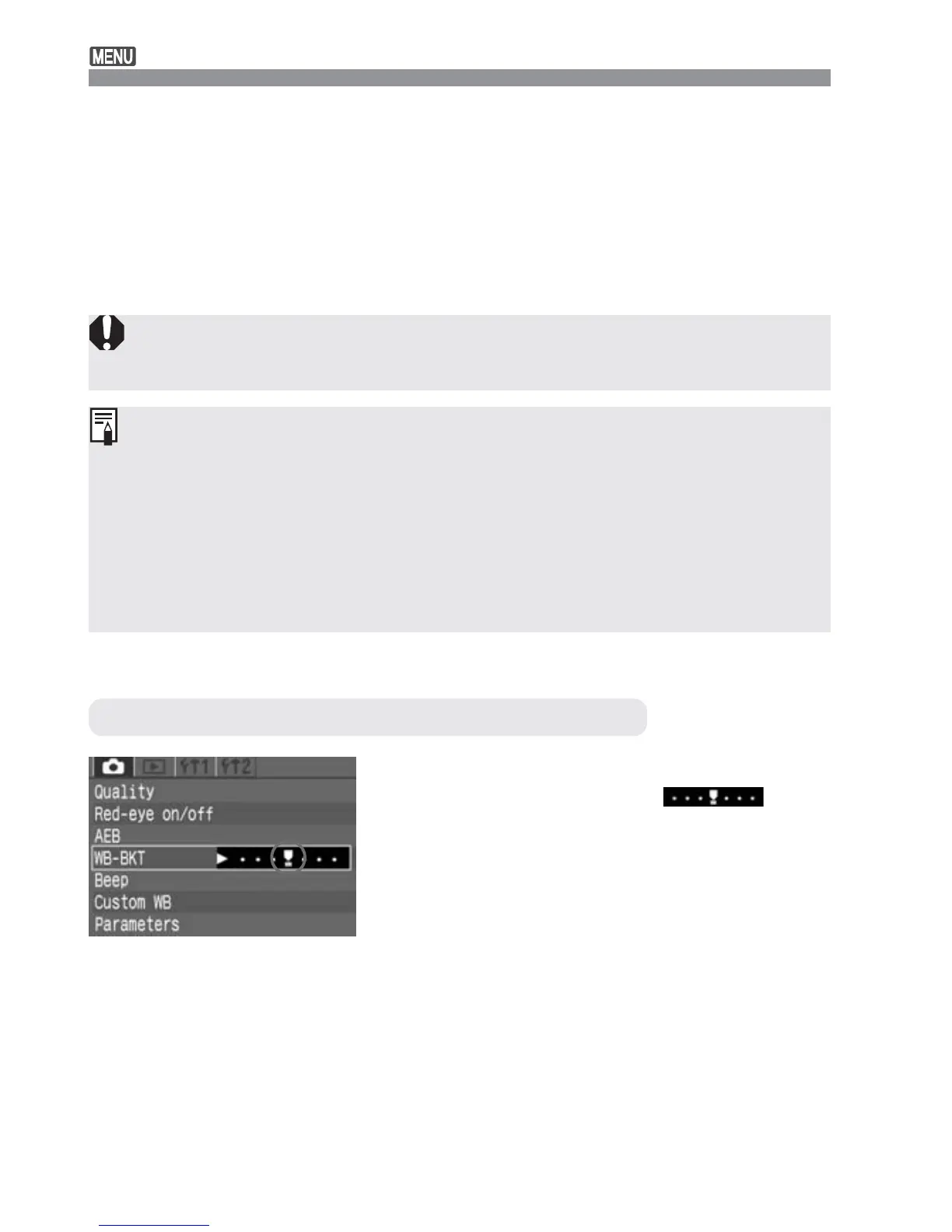
Follow steps 2 and 3 to set the
bracketing amount to <
>,
then press <p>.
•
You can also set the Power switch to
<2> to cancel white balance
bracketing.
White Balance Auto Bracketing
•
During continuous shooting, the number of images recorded will be
three times as many as the number of shots taken.
•
Since three images are recorded for one shot, the CF card will take
longer to record the shot.
•
White balance bracketing can be used together with auto exposure
bracketing (AEB). (p.76) In this case, the three AEB shots will have three
white balance bracketed images recorded for each shot. Therefore, a
total of nine images will be recorded on the CF card.
White balance bracketing will not work if the image-recording quality is
<h>.
Canceling White Balance Auto Bracketing
Shoot.
s
The bracketing sequence will start with
the standard color temperature
followed by a bluish tone (decreased
compensation) and reddish tone
(increased compensation).
4













 To Next Page