116
Direct Printing with DPOF
With a printer (Optional) compatible with direct printing, you can print
according to the DPOF settings.
Connect the camera to the printer.
(p.100)
1
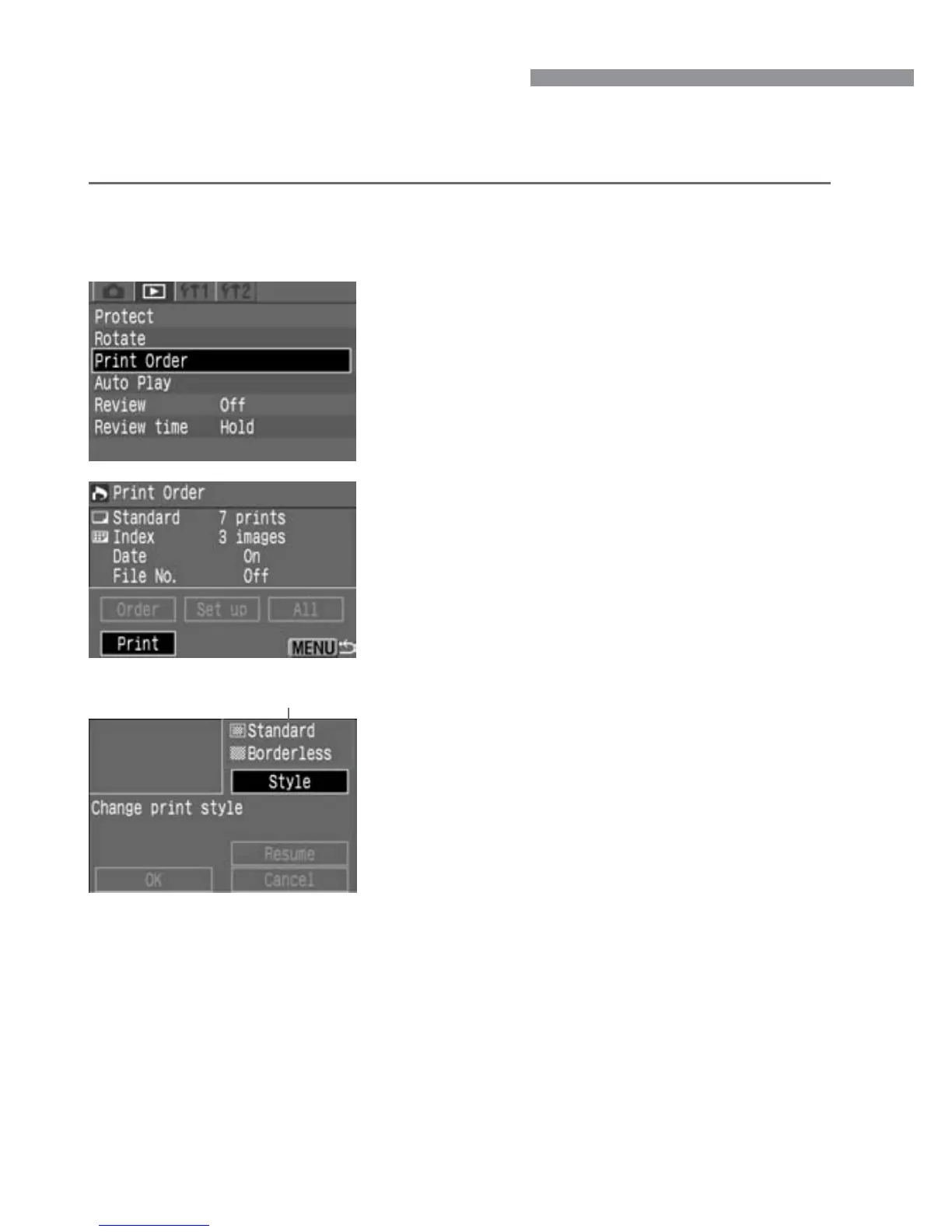
Set the printing style.
q Press the <å> keys to select
[Style], then press <p>. The [Style]
screen will then appear.
w Press the <å> keys to select an
option, then press <p>. The available
settings will then appear.
* The options displayed will differ depending
on the type of print and printer. Options
that cannot be set will be dimmed.
e Press the <å> keys to select the
desired setting, then press <p>. The
setting will then take effect.
r Press the <m> button to exit the
print style screen.
•
If you are using a BJ printer, be sure to
specify the paper size.
4
Printing style settings
Select [Print Order].
•
Select the <]> tab.
•
Press the <å> keys to select [Print
Order], then press <p>.
2
Select [Print].
•
Press the <å> keys to select [Print],
then press <p>.
•
[Print] will be displayed only if the
camera is connected to the printer and
printing is possible.
3













 To Next Page