102
Printing
You can specify the printing style (borders on/off, date on/off, etc.), print
quantity, and image trimming.
You do all the printing operations with the camera.
Images in the h format cannot be printed directly from the
camera.
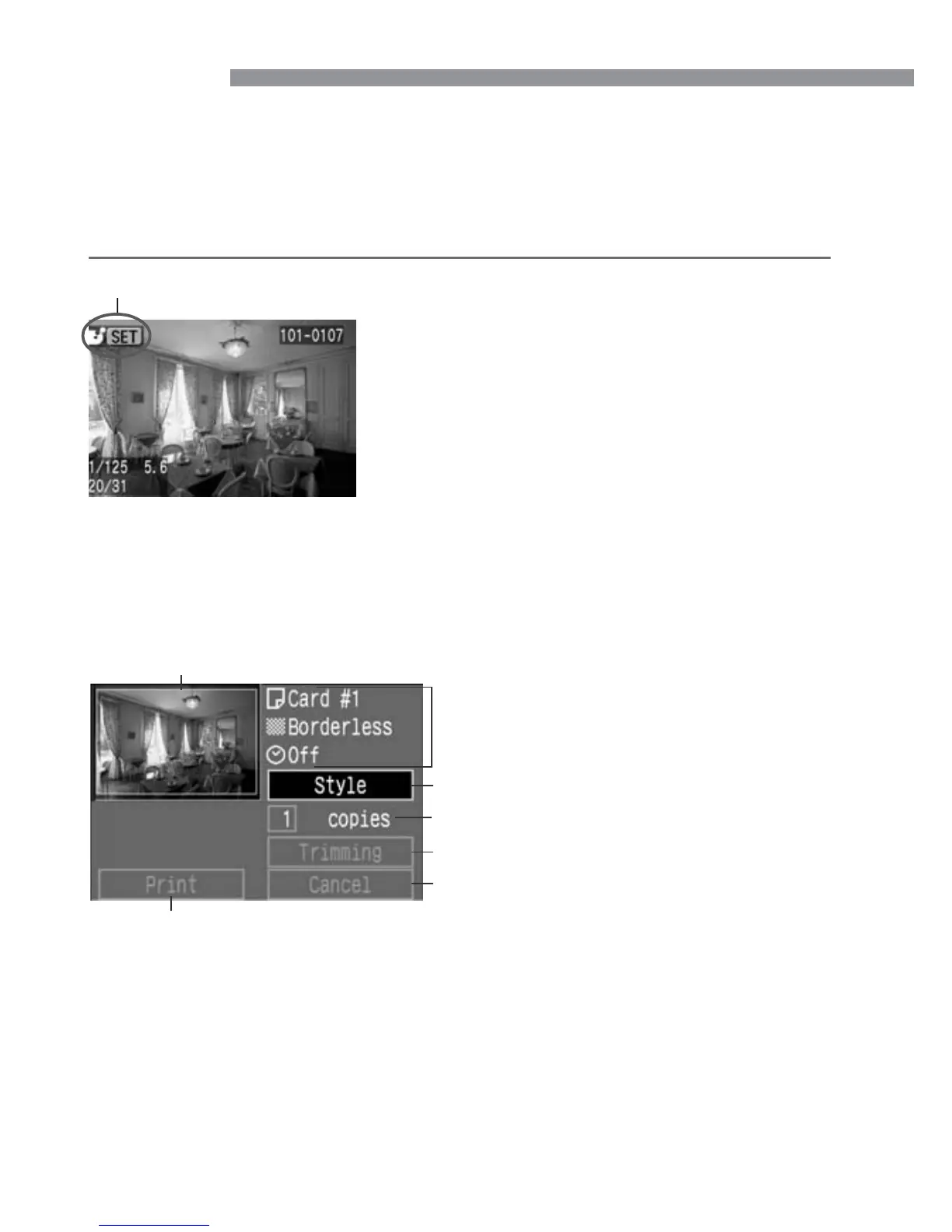
Select the image to be printed.
•
Check that the <å> or <ß> icon is
displayed on the upper left of the LCD
monitor.
•
Press the <µ> keys to select the
image to be printed.
1
Press <p>.
s
The print setting screen will appear.
2
Connected printer icon
Print setting screen
Tr imming frame: Appears when you want to trim the image.
The printing style settings will be
displayed.
<˙> is the date icon.
Sets the printing style.
Sets the trimming area.
Starts the printing.
Returns to step
1
.
You can also press the <m> button
to return to step
1
.
Sets the quantity to be printed.













 To Next Page