78
jAE Lock
AE lock enables you to lock the exposure at a different place from the
point of focus. After locking the exposure, you can recompose the shot
while maintaining the desired exposure level. This feature is useful for
backlit and spotlighted subjects.
In Creative Zone modes, partial metering will be used automatically for
AE lock.
Focus the subject.
s
The exposure setting will be displayed
in the viewfinder.
1
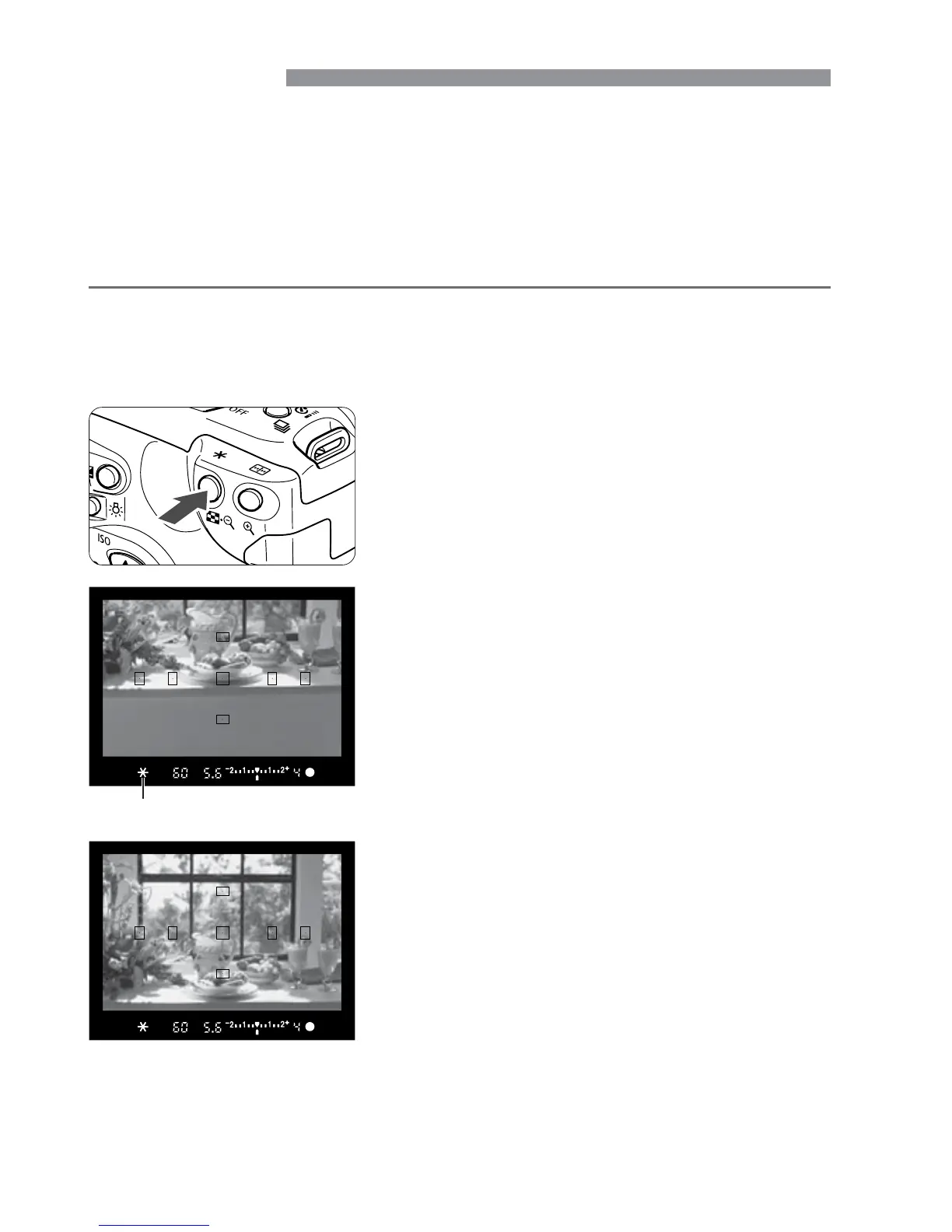
Press the <j> button. (˜)
s
The <j> icon will light in the
viewfinder to indicate that the exposure
setting has been locked (AE lock).
•
Aim the center of the viewfinder over
the subject where the exposure is to be
locked, then press the <j> button.
•
Each time you press the <j> button,
it locks the current exposure setting.
2
Compose the shot and shoot.
•
If you want to maintain the AE lock
while taking more shots, hold down the
<j> button and press the shutter
button to take another shot.
3
AE lock indicator













 To Next Page