53
4
Select [,].
•
Press the <6> (∂) button. (∫)
•
Turn the <l> dial to select <,>.
s
The custom white balance will be set.
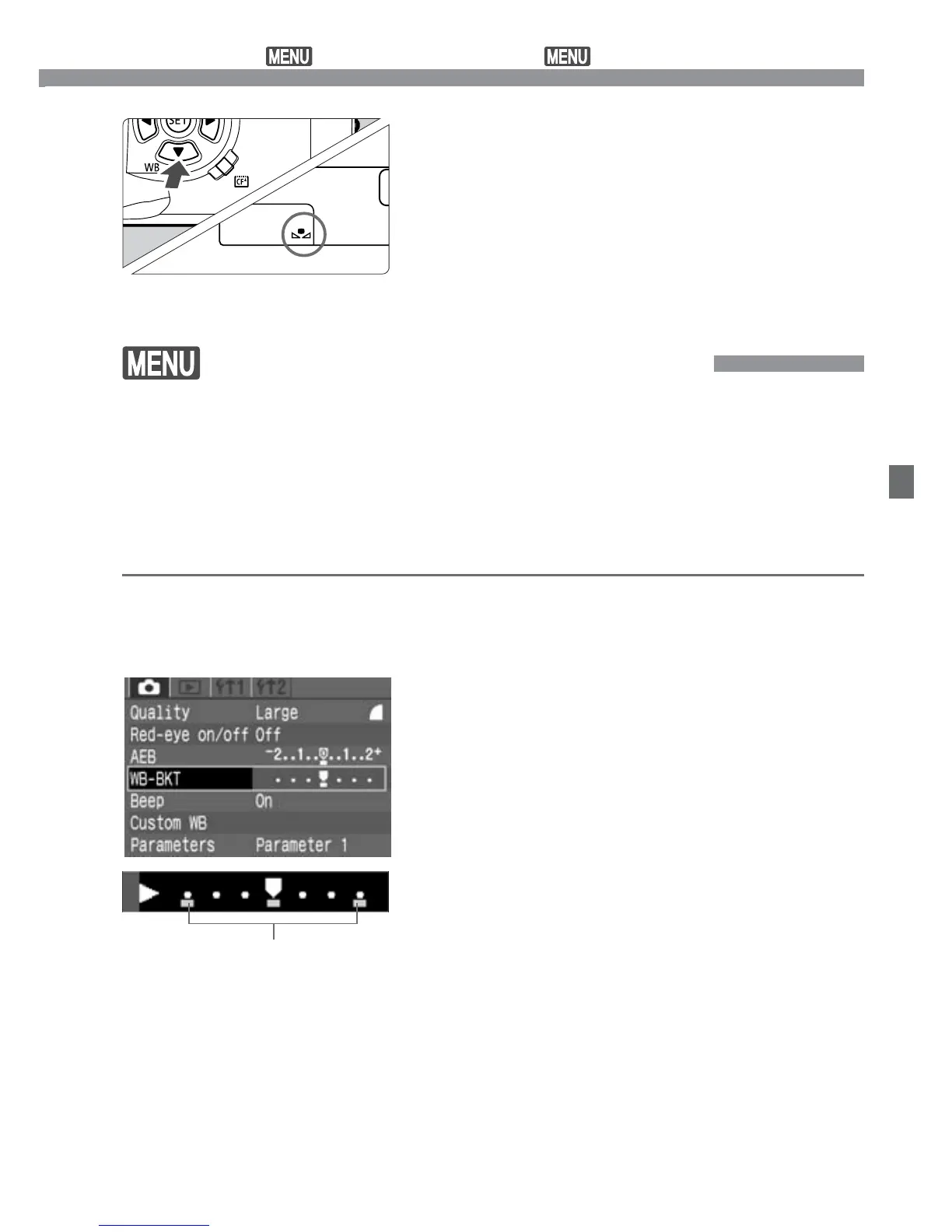
White Balance Auto Bracketing
With just one shot, three images having a different color tone can be
recorded simultaneously. Based on the current white balance mode’s
standard color temperature, the white balance setting can be changed
from 0 to
+
/
–
3 stops in whole-stop increments. This is called white
balance bracketing. One stop is equivalent to 5 Mireds of a color
conversion filter used by film cameras.
Set the image-recording quality to
any setting except [RAW].
(p.48)
1
Select [WB-BKT].
•
Select the <˙> tab.
•
Press the <å> keys to select
[WB-BKT], then press <p>.
2
Set the bracketing amount.
•
Press the <µ> keys to select the
bracketing amount, then press <p>.
s
The mark for the selected white
balance level will blink.
s
The number of remaining shots
displayed on the LCD panel will be
one-third the normal count.
3
Bracketing amount
Custom White Balance /
White Balance Auto Bracketing













 To Next Page