37
2
Fully Automatic
Shooting
This chapter describes how to use the camera’s Basic
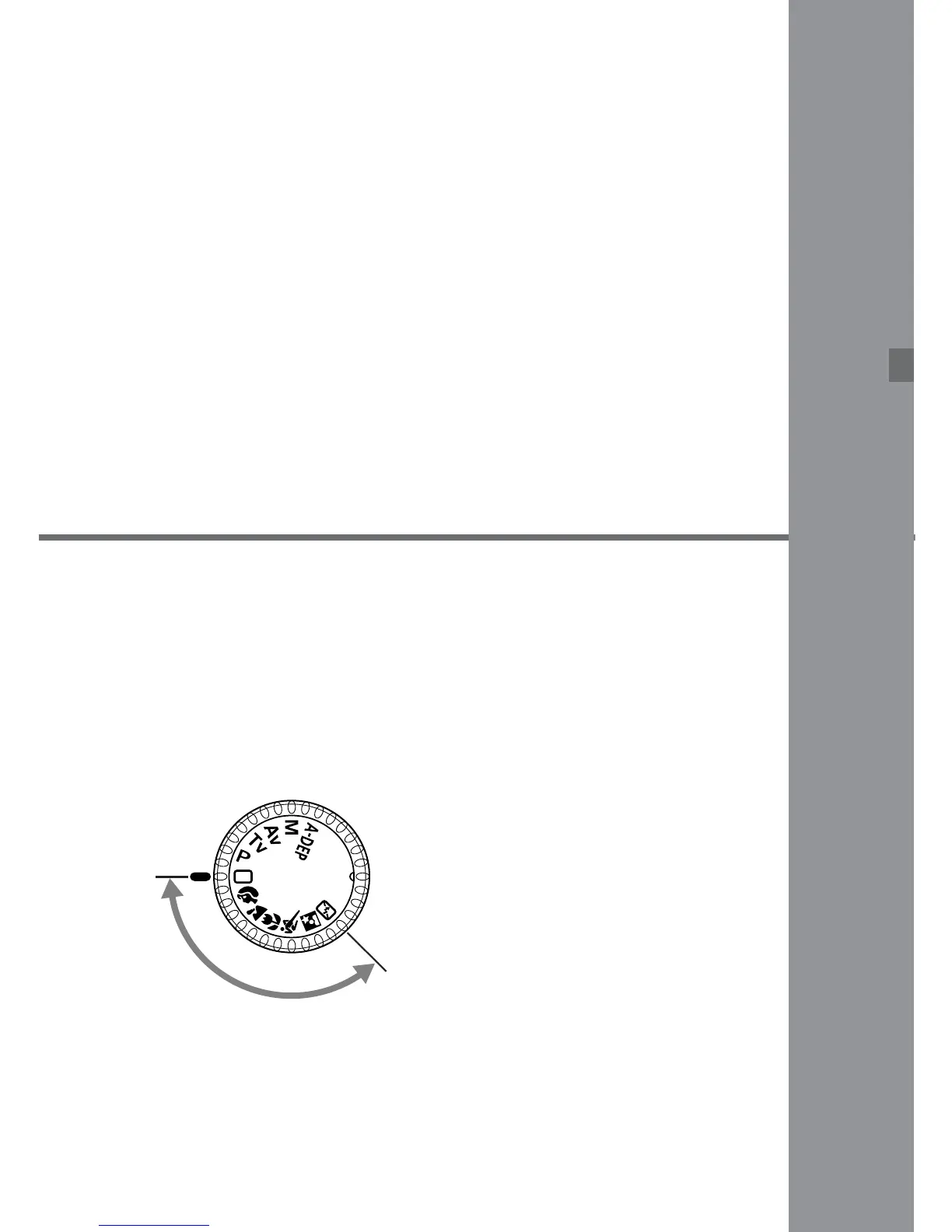
Zone modes <Y> <U> <I> <O> <P> <A>
<S> for quick and easy shooting. In these modes, all
you do is point and shoot. In addition, to help prevent
mistakes caused by operating the camera improperly,
the <6> <D> <j> <3> buttons do not operate
so there is no need to worry about accidental errors.
Set the Mode Dial to <Y>
<U> <I> <O> <P>
<A> or <S>.
•
The shooting procedure is
the same as with the “Y Full
Automatic Shooting” on page
38.
B
a
s
i
c
Z
o
n
e













 To Next Page