46
Using the Eyepiece Cover
During self-timer or remote control operation when your eye does not
cover the viewfinder eyepiece, stray light may enter the eyepiece and
affect the exposure when the image is captured. To prevent this, use
the eyepiece cover (attached to the neck strap) to cover the eyepiece.
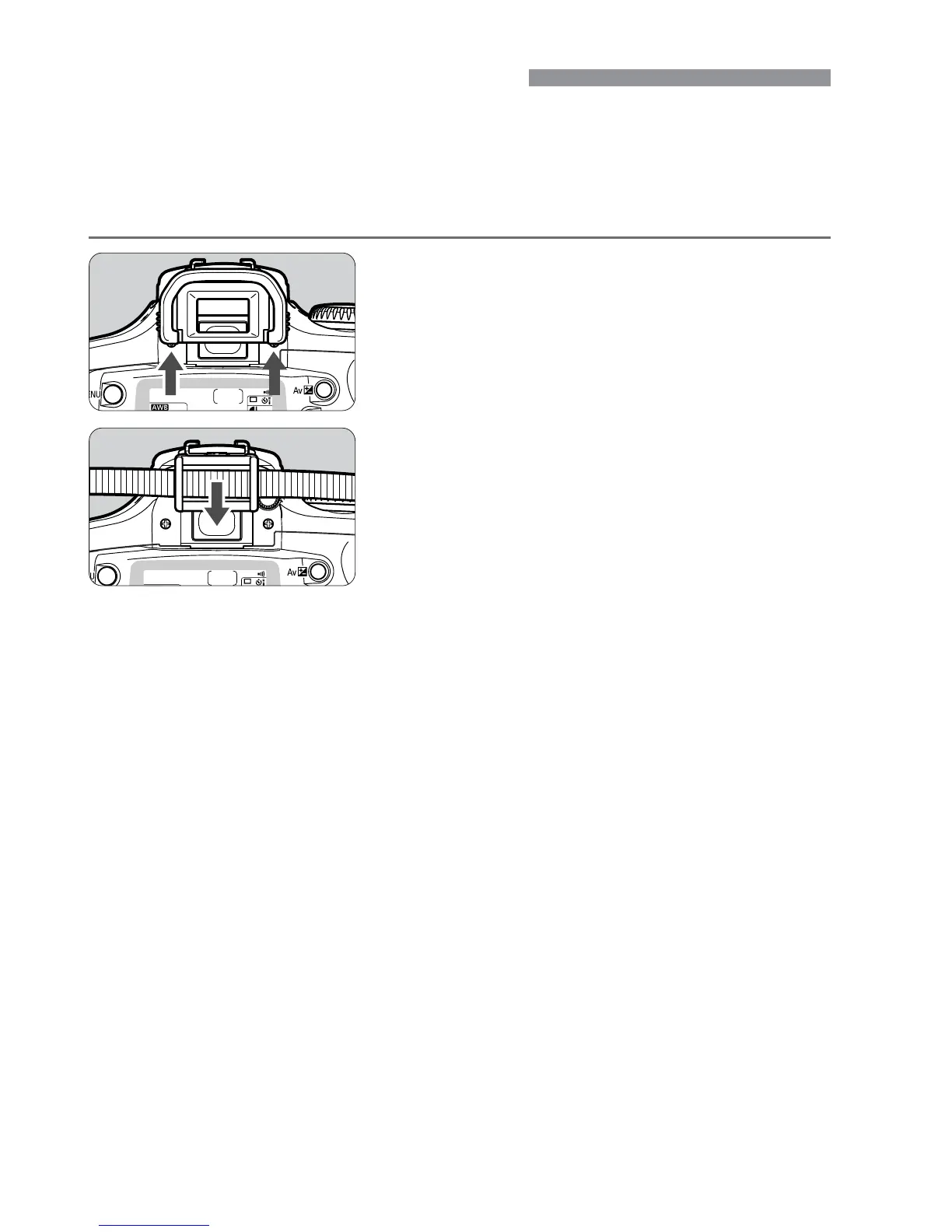
Remove the eyecup.
•
From the bottom of the eyecup, push it
upward.
1
Attach the eyepiece cover.
•
Slide the eyepiece cover down into the
eyepiece groove to attach it.
2













 To Next Page