88
Image Playback
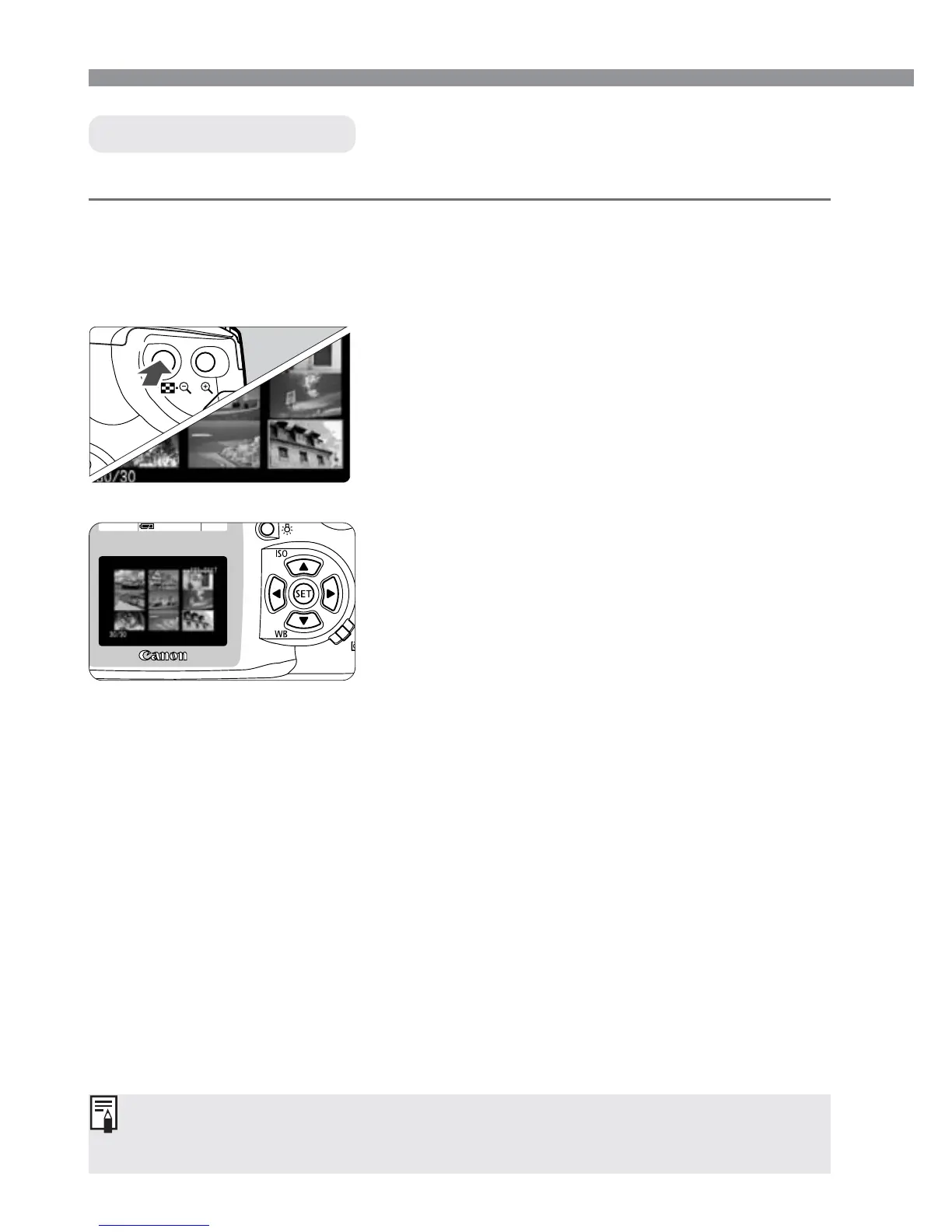
ˆ Index Display
While the index is displayed, press the <5> button and press
the <µ> keys
to jump nine images ahead or back. (p.90)
Nine thumbnail images are displayed on one screen.
Display the index.
•
Press the <8> button.
s
The selected thumbnail will be
highlighted with a green border.
2
Set the camera to the playback
mode.
•
Press the <]> button.
s
The last captured image will appear on
the LCD monitor.
1
Select an image.
•
Press the cross keys to move the
green frame in the respective direction.
3
Switching from the index display to another display mode
•
To display a single image, press the <]> button.
•
To display the image with shooting information, press the <4>
button.
•
Pressing the <7> button switches to the single image displaay and
pressing it again switches to magnified view.













 To Next Page