103
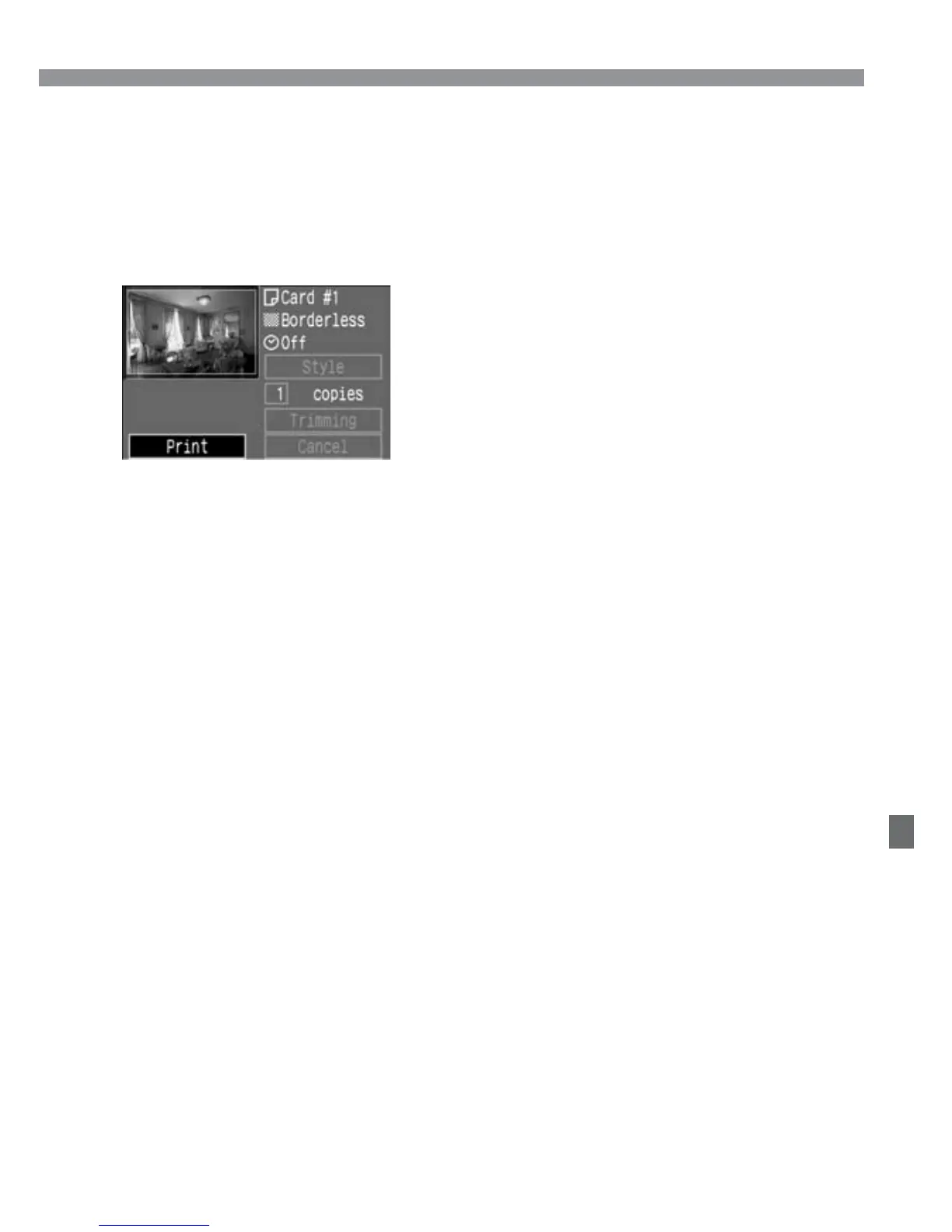
Select [Style].
•
Set the desired settings for [Borders],
[Date], and the BJ printer’s paper size.
•
For the setting procedure, see “Setting
the Printing Style” on the next page.
3
Printing
Print the image.
•
Press the <å> keys to select
[PRINT], then press <p>.
s
Printing will start.
•
When the printing is completed
properly, the screen returns to step 1.
4













 To Next Page