104
Printing
Setting the Printing Style
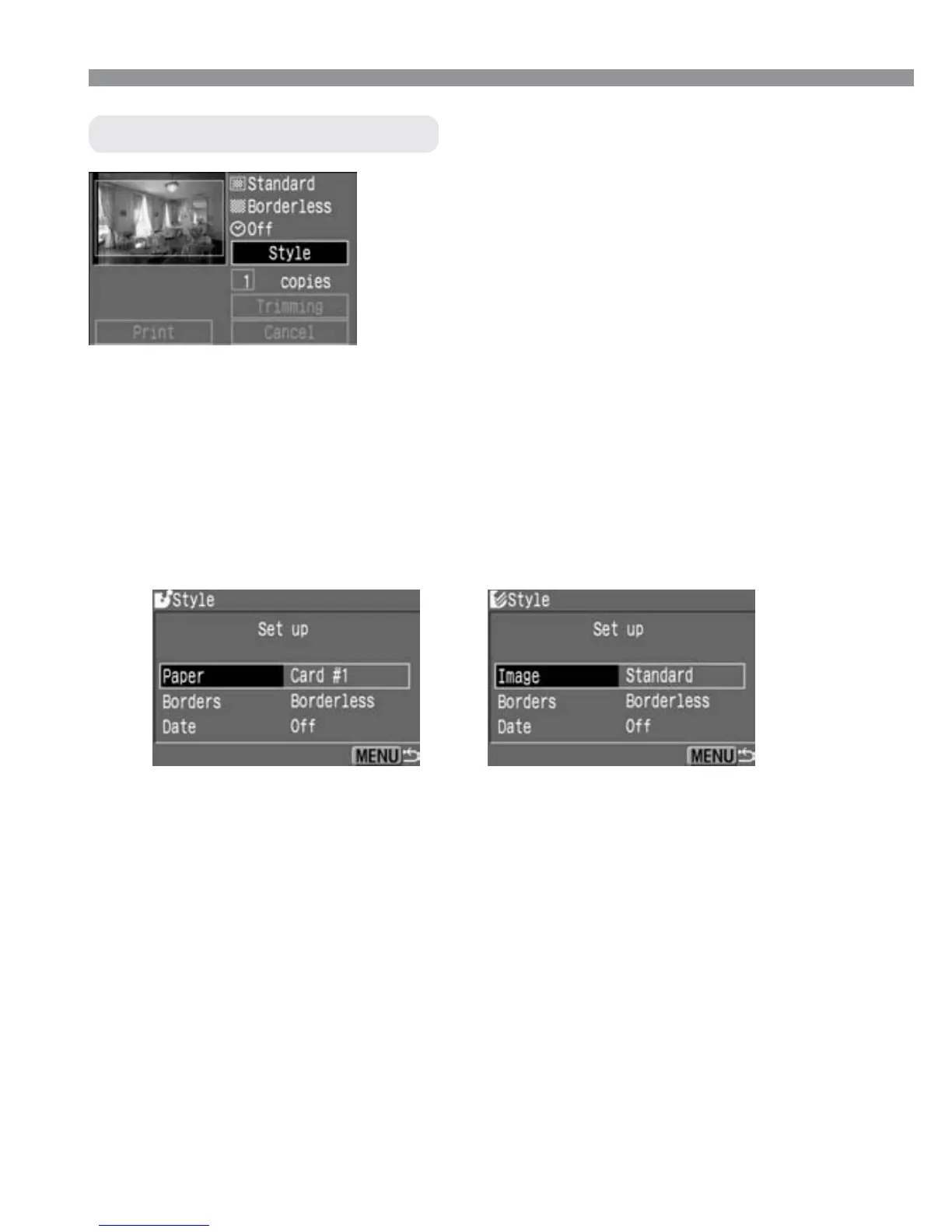
Select [Style].
•
Press the <å> keys to select [Style],
then press <p>.
s
The [Style] setting menu will appear.
1
•
With BJ printers, [Paper] must be set to the paper size used.
•
With card photo printers, [Image] will appear instead of [Paper].
With the [Image] setting, you can print one image on one sheet or
eight identical, smaller images on one sheet. This can be selected
when postcard-size paper is used.
•
[Borders] and [Date] can be set in the same way with all printers.
BJ printer
Card photo printer
Style setting screen
Select the style option.
•
Press the <å> keys to select the
option, then press <p>.
s
The available settings will be
displayed.
2













 To Next Page