105
Printing
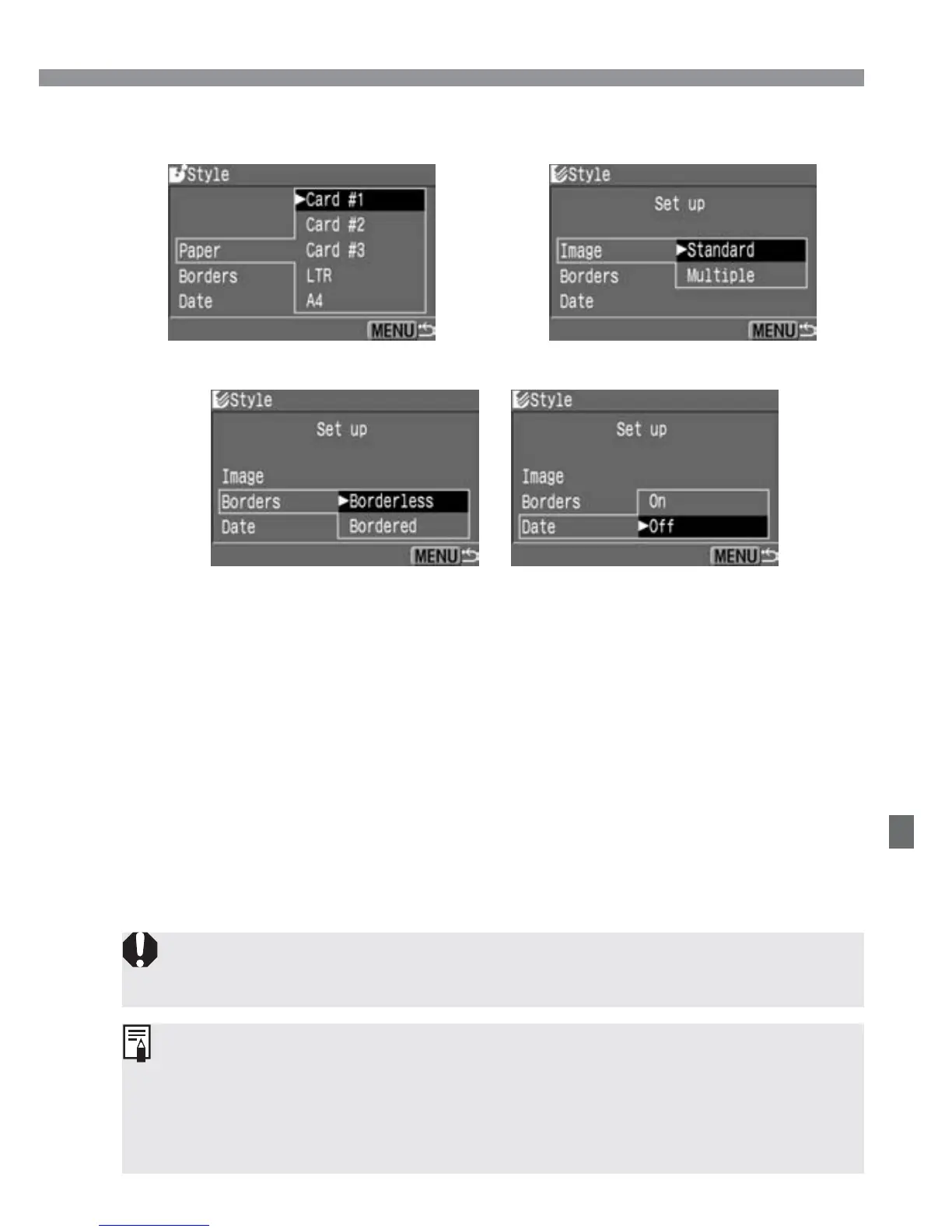
[Paper]
(BJ printer)
[Image]
(Card photo printer)
[Borders][Date]
Select the desired setting.
•
Press the <å> keys to select the
desired setting, then press <p>.
s
The selected setting will take effect.
•
When you are done, press the <m>
to return to the print setting screen.
3
If you set “Bordered,” certain printers may print the date on the border. The
date may be hard to see on a light background or on the border.
•
If [Date] is [On], the date recorded for the image will appear on the print.
•
The date will appear on the lower right of the image.
•
If you use a card photo printer and selected [Multiple], you will not be
able to set [Borders] and [Date]. The print will be borderless without any
date imprinted. The image will also be trimmed on all sides.













 To Next Page