115
Print Order
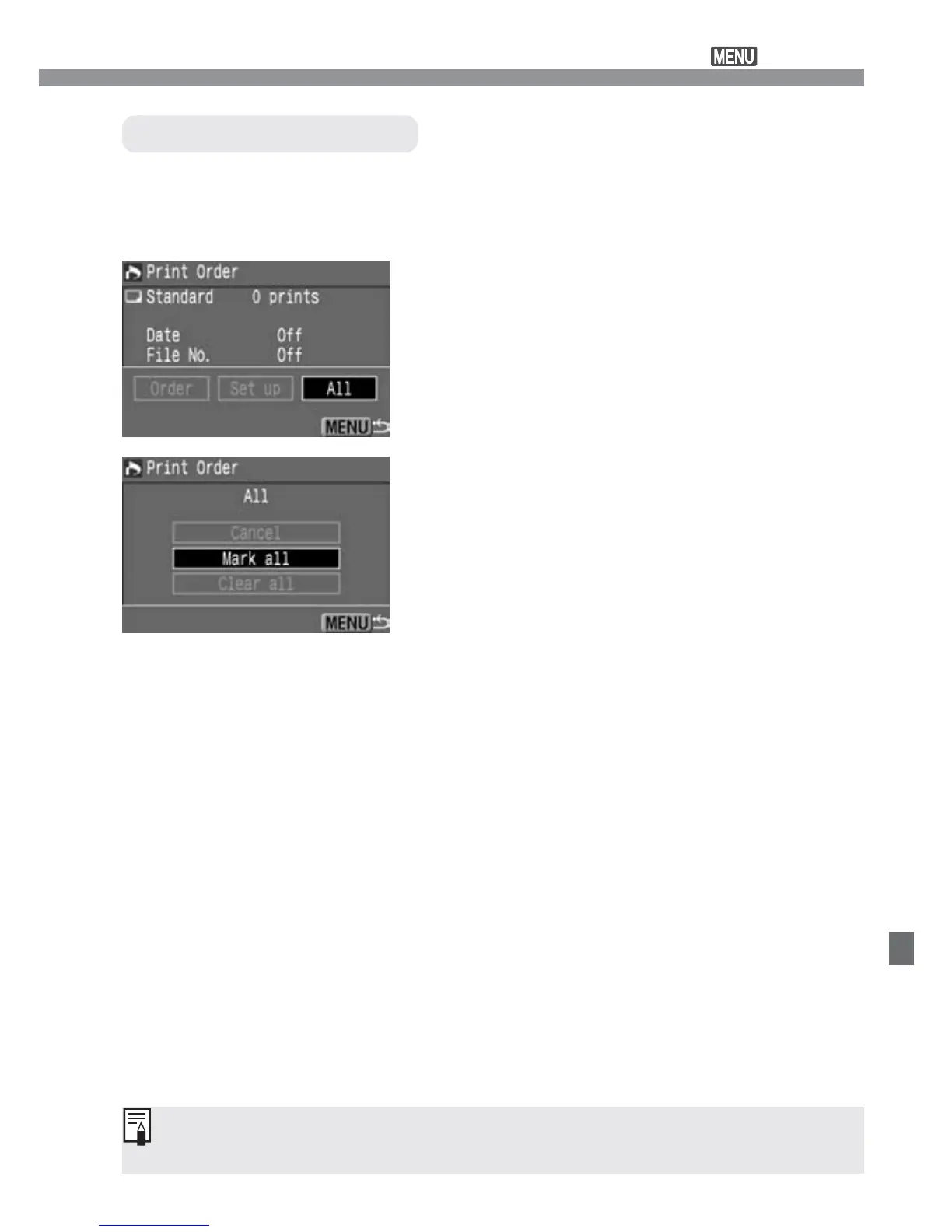
Select [All].
•
Press the <µ> keys to select [All],
then press <p>.
s
The All screen will appear.
1
You can select all the images in the CF card (except
h
images) for
printing or cancel the [All] selection. For standard-type prints, only a
single print will be available for each image.
Selecting All Images
Exit the Print Order screen.
•
On the Print Order screen, press the
<m> button to save the settings to
the CF card. The screen will then
return to the main menu.
3
Select [Mark all].
•
Press the <å> keys to select [Mark
all], then press <p>.
s
One print each will be specified for all the
images, then the print order screen will
reappear.
•
If you select [Clear all], all the images
selected for printing will be deselected.
•
If you select [Cancel], the print order
screen will reappear.
2
•
The printing will start with the oldest image.
•
Up to 998 images can be selected for printing.













 To Next Page