114
Set the print settings.
•
The settings will be different depending
on the [Print Type] explained in
“Printing Options” on page 110.
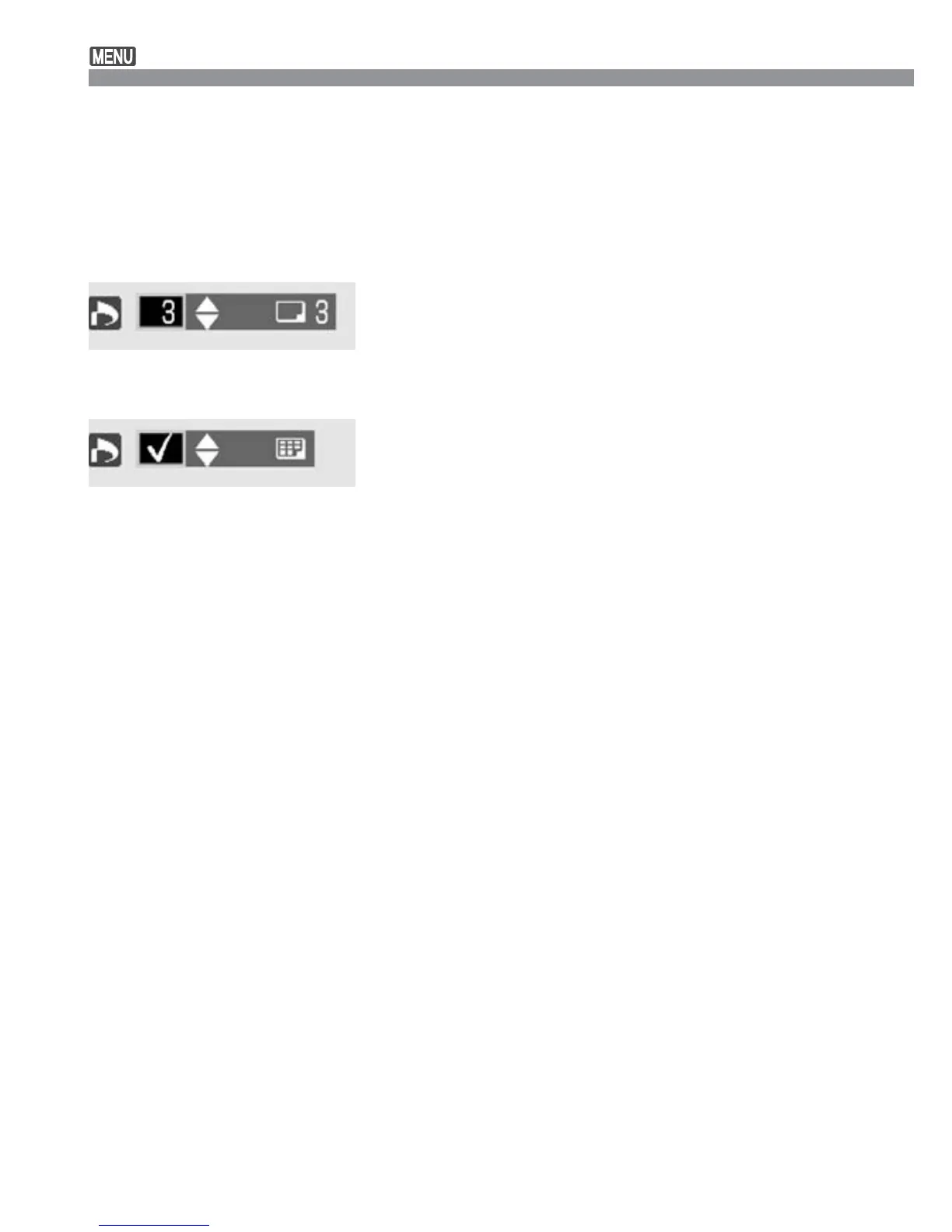
Press the <å> keys to set the number
of copies from 1 to 99.
If you want to include the image to the
index print, press the <å> keys to
checkmark the index print checkbox on
the upper left. Or leave it unchecked if
you do not want to include the image to
the index print.
•
To select another image, repeat steps
3 and 4.
3
Print Order
Exit the Order screen.
•
Press the <m> button to return to
the Print Order screen.
Press the <m> button again to
save the settings to the CF card and
return to the main menu.
4
Indication when [Standard]
and [Both] are set.
Indication when [Index] is
set.













 To Next Page