113
Print Order
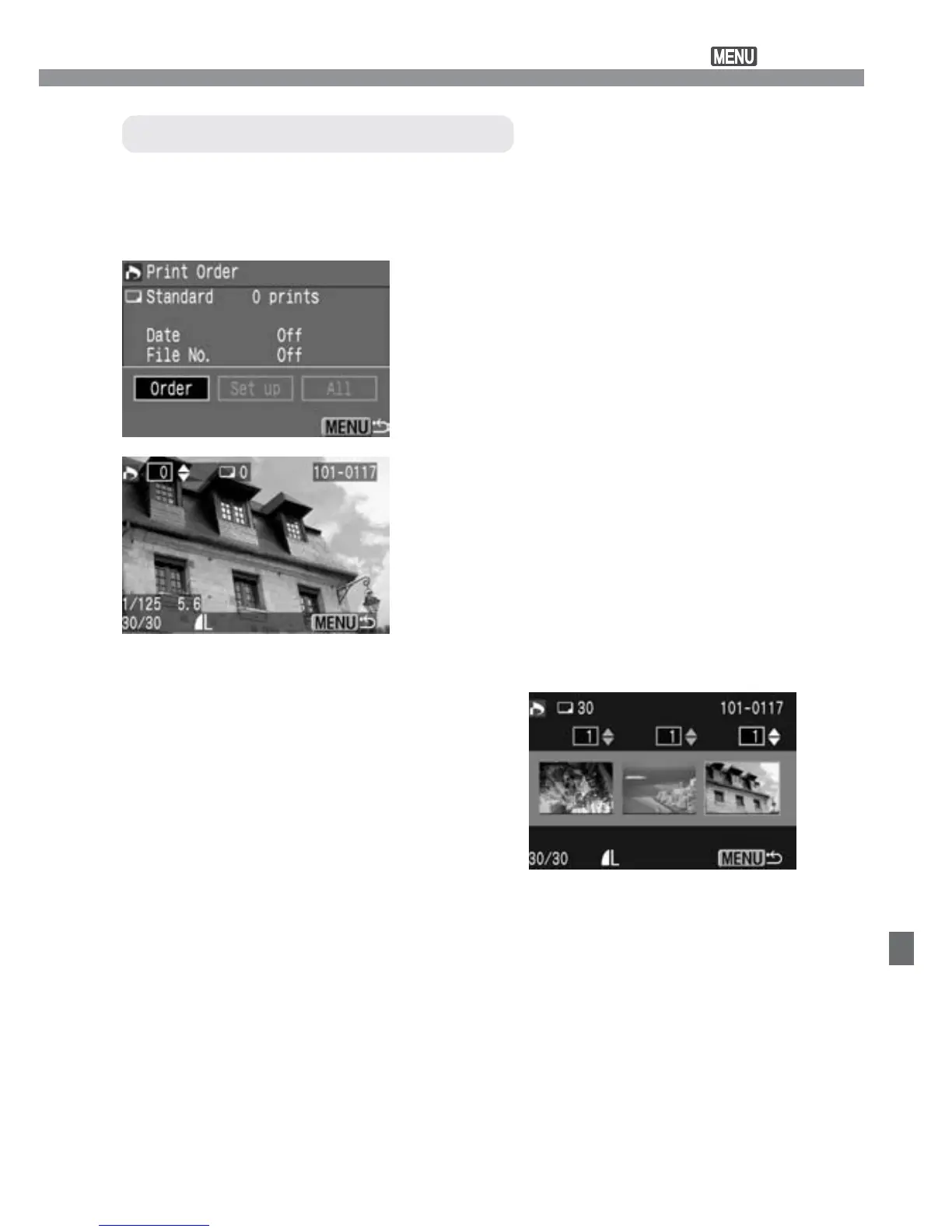
Select [Order].
•
Press the <µ> keys to select
[Order], then press <p>.
s
The order screen will appear.
1
Select the image to be printed.
•
Press the <µ> keys to select the
desired image.
•
Press the <8> button to see a
three-image view. To return to the
single-image view, press the <7>
button.
2
Three-image view
When the print type is [Standard] or [Both], you can set the number of
copies to be printed for each standard-type print. If [Index] is set, you
can either include or not include the image to the index print.
Selecting Individual Images













 To Next Page