111
Print Order
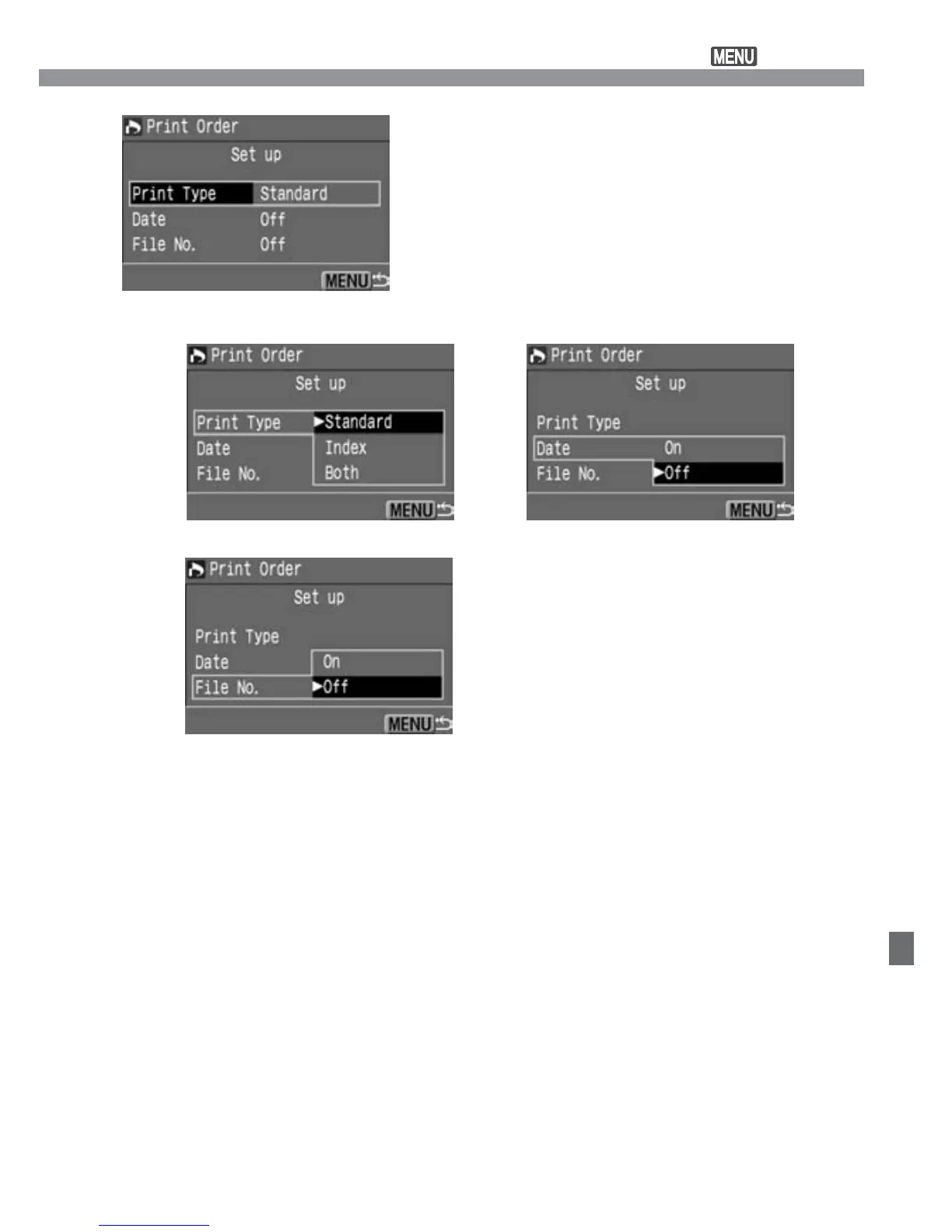
Select the set up option.
•
Press the <å> keys to select the
option, then press <p>.
s
The set up screen will appear.
3
[Print Type][Date]
[File No.]
Select the desired setting.
•
Press the <å> keys to select the
desired setting, then press <p>.
4
Exit the set up screen.
•
Press the <m> button. The print
order screen will reappear.
•
Next, select [Order] or [All] to select
the images to be printed (p.113).
5













 To Next Page