125
Troubleshooting Guide
“No images can be shot or recorded.”
•
The CF card is not properly loaded.
s Load the CF card properly. (p.24)
•
The CF card is full.
s Use a new CF card or erase unnecessary images. (p.24, 95)
•
The battery is exhausted.
s Recharge the battery. (p.18)
•
You did not focus well. (The focus confirmation light in the viewfinder
blinked.)
s Press the shutter button halfway and focus the subject. If you still cannot
focus properly, focus manually. (p.26, 64)
“The LCD monitor does not display a clear image.”
•
The LCD monitor screen is dirty.
s Use a soft cloth to clean the screen.
•
The LCD’s service life has expired.
s Consult your nearest customer service center or dealer.
“The image is out of focus.”
•
The lens focus mode switch is set to <MF> or <M>.
s Set the lens focus mode switch to <AF>. (p.23)
•
Camera shake occured when you pressed the shutter button.
s To prevent camera shake, hold the camera still and press the shutter button
gently. (p.26, 36)
“The CF card cannot be used.”
•
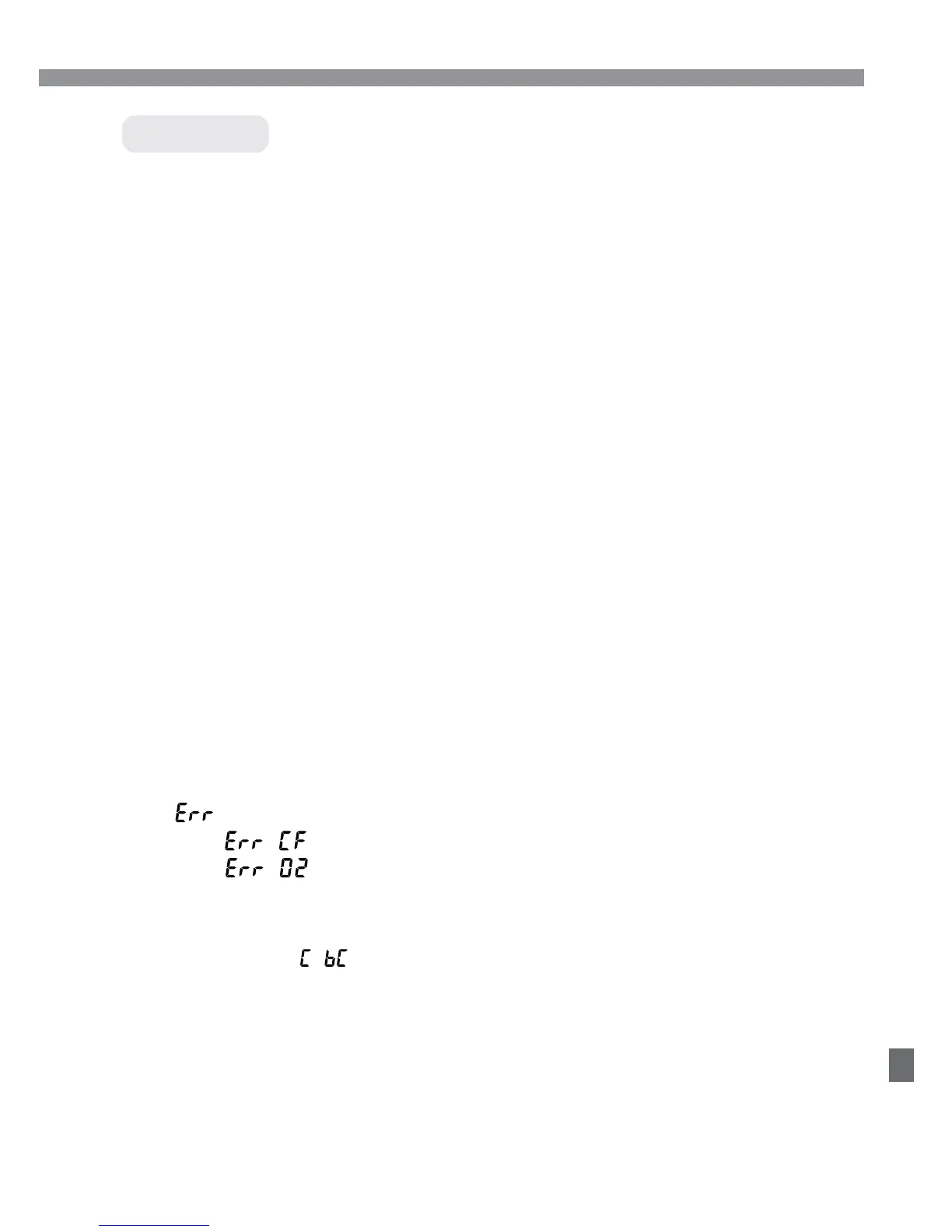
[ **] is displayed on the LCD panel.
sIf it is [ ], see page 98.
sIf it is [ ], see page 127.
•
You are using a non-Canon CF card.
sUsing Canon CF cards is recommended. (p.2, 129)
“The message “ ” appears on the LCD panel.”
•
The date/time battery is exhausted.
sReplace the battery with a new one. (p.33)
Shooting













 To Next Page