57
Setting Processing Parameters
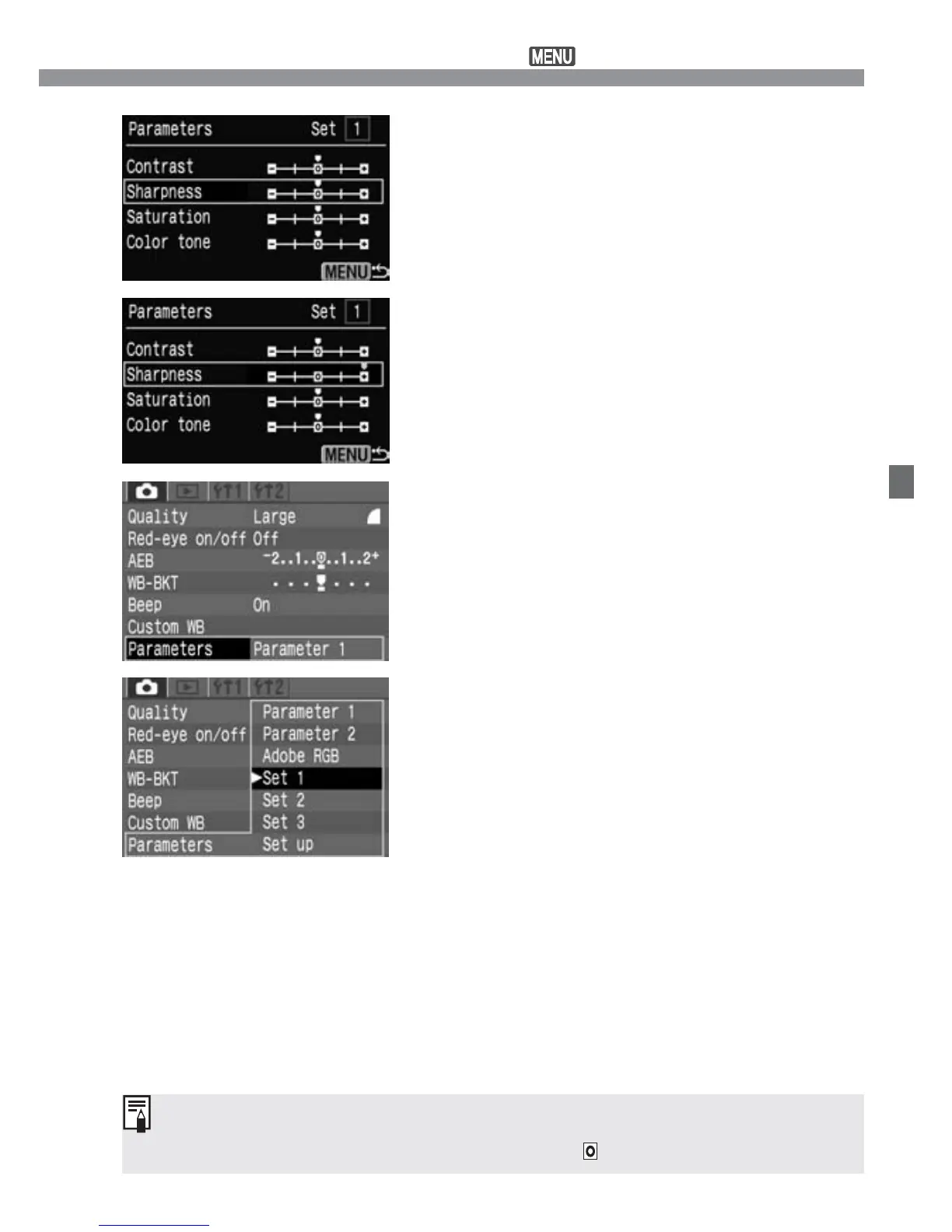
Select the parameter.
•
Press the <å> keys to select the
parameter, then press <p>.
4
Set the parameter.
•
Press the <µ> keys to set the
parameter, then press <p>.
5
Return to the [Parameters] menu.
•
Press the <m> button twice to
return to step 1. Then press <p>.
6
Select the desired Set Number.
•
Press the <å> keys to select [Set 1],
[Set 2], or [Set 3], then press <p>.
7
[Parameter 1] sets the contrast, sharpness, and color saturation by +1
stop. [Parameter 2] sets all the parameters to .













 To Next Page