96
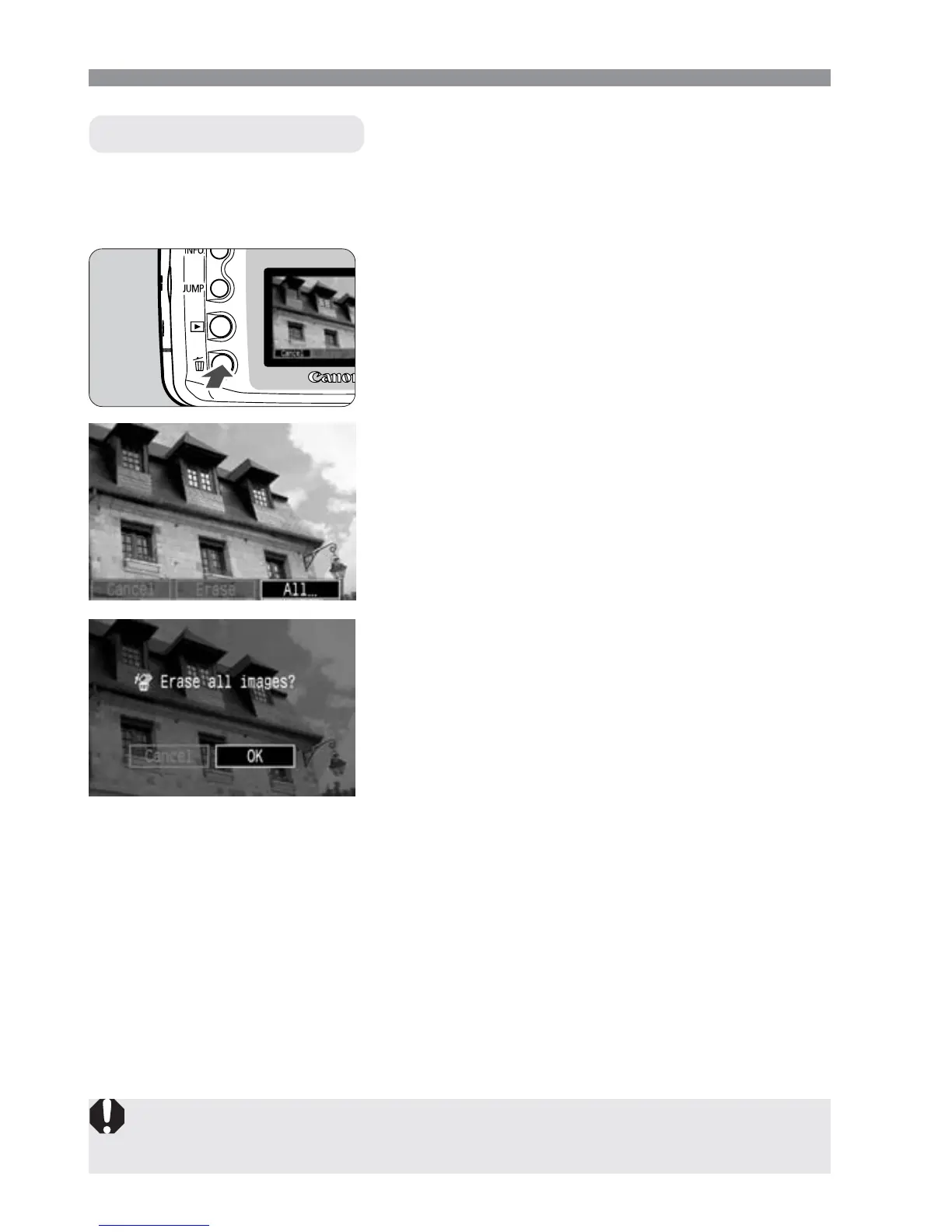
Set the camera for playback.
•
Press the <]> button.
1
Select [All...].
•
Press the <µ> keys to select [All...],
then press <p>.
s
The confirmation dialog will appear.
3
Erase the images.
•
Press the <µ> keys to select [OK],
then press <p>.
s
All unprotected images will be erased.
•
While the images are being erased,
you can cancel the erasure by pressing
the <p> button.
4
9 Erasing an Image
Erasing All Images
Once an image is erased, it cannot be recovered. Make sure you no
longer need the image before erasing it.
Display the erase menu.
•
Press the <9> button.
s
The erase menu will appear at the
bottom of the screen.
2













 To Next Page