98
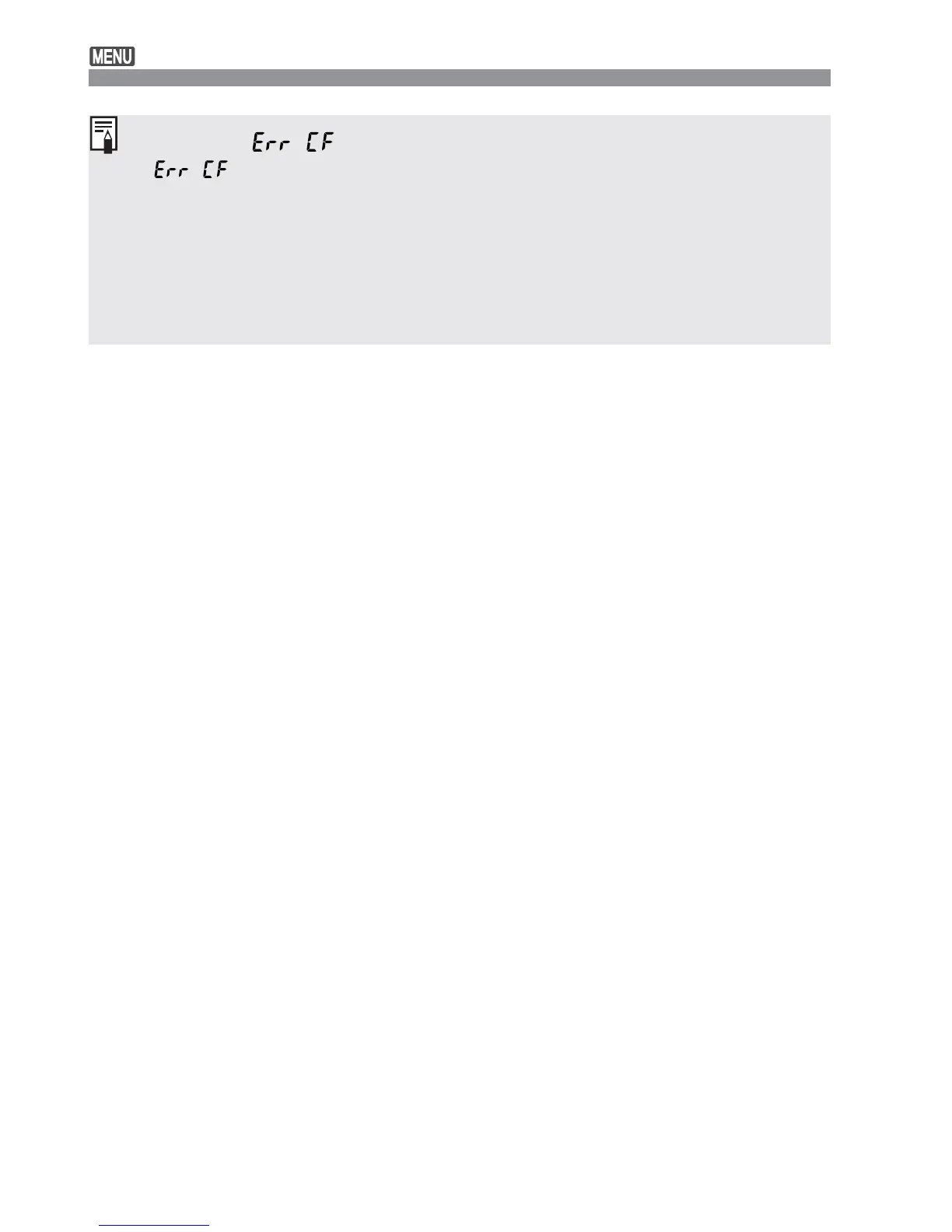
About the “ ” Error Message
If “ ” (CF error) is displayed on the LCD panel, it indicates a
problem with the CF card that is preventing the image data from being
recorded or read. Use another CF card instead.
Or, if you have a commercially-available CF card reader that can read the
CF card, use it to transfer the images in the card to a personal computer.
After transferring and saving all the images to a personal computer, format
the card. The card might then work properly.
Formatting the CF Card













 To Next Page