Chapter 5
5-2
5.3 Periodic Maintenance
5.3.1 Periodic Maintenance
0012-6400
T-5-3
a) Printer cleaning
To keep up with print quality and prevent troubles, clean the printer about once each month.
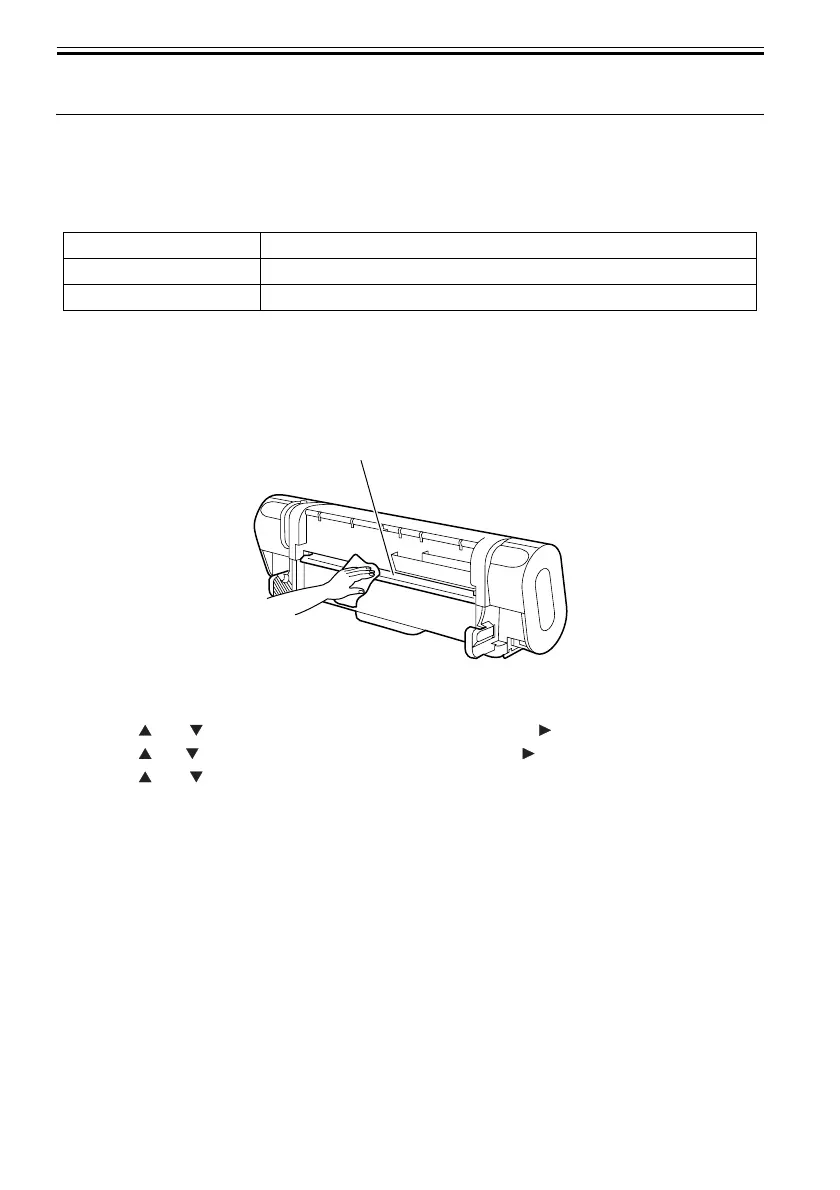
1) Using a damp cloth wringed well, wipe dirt and paper dust off the printer exterior, paper feed slot [1], and
power plug. Next, rub them with a dry cloth.
F-5-1
2) Press the [MENU] button to display the main menu.
3) Press the and buttons to select [Maintenance] and then press the button.
4) Press the and buttons to select [Platen Cleaning] and press the button.
5) Press the and buttons to select [Yes] and press [OK] button.
6) Open the top cover.
Level Periodic maintenance
User Cleaning of ink mist and other substances(about once each month
Service personnel None
[1]













 To Next Page