4-7
How to View the Display
The Printing Environment
4
How to View the Display
This section describes the contents of the letters that appear in the display when
specifying the menu functions.
Menu Structure
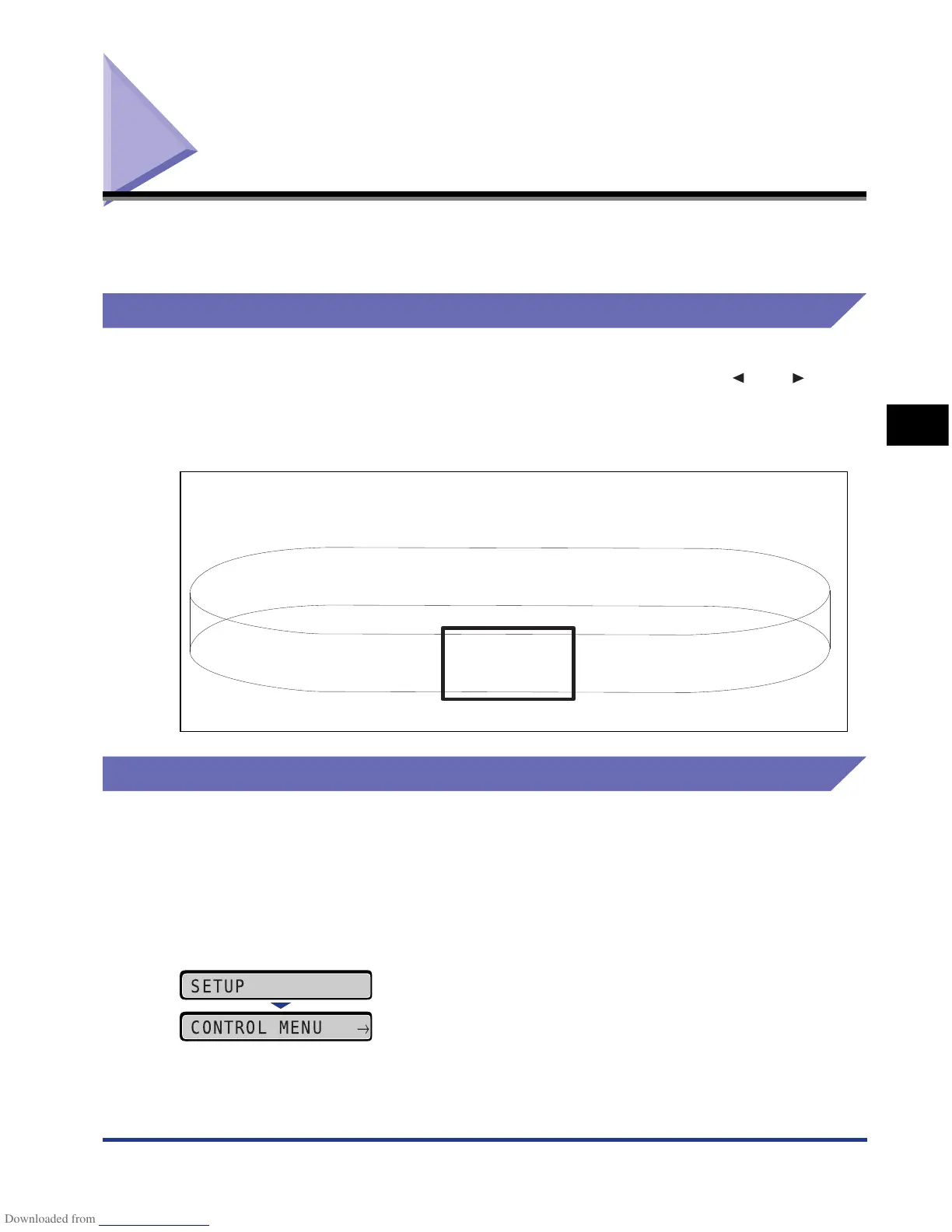
The menu structure looks like a chain (loop structure), and one of the menus on this
chain is displayed in the display. Therefore, continuously pressing [ ] or [ ]
displays the first menu again.
The menus consist of individual loop structures in each hierarchy.
How to View the Display
Up to 16 characters appear in a line in the display.
After you display a menu by pressing a key, the item of the first hierarchy in the
menu appears automatically.
If there is any selectable item in the same hierarchy, "➞" appears on the right in the
display.
Moves the menu from side to side
.
.
.......
.........
.........
......... .........
FEEDER MENU LAYOUT
M
E
N
U
.
.
.
.
.
.
.
.
.
.
.
.
U
F
R
I
I
S
E
T
U
P
I
N
I
T
I
A
LIZE MENU
CONTROL MENU
SETUP
CONTROL MENU
→











 To Next Page