5-13
Printing Environment Settings
5
SETUP Menu Settings
NOTE
The printer prints when either ON or OFF is specified.
DATE AND TIME
■ DATE SETTING
01/01/2001 to 31/12/2089
This printer has a clock function. This clock is used for the printer maintenance
and job history management. Specify date in this item when the clock is not
keeping correct date.
NOTE
•
Date is set before shipment.
•
Enter date using the following keys on the control panel.
- Increases/decreases number ........[ ] [ ]
- Moves digits ..................................[ ] [ ]
- Determines the entered date.........[OK]
•
If you do not change the date, press [Online].
■ TIME SETTING
00:00:00 to 23:59:59
This printer has a clock function. This clock is used for the printer maintenance
and job history management. Specify date in this item when the clock is not
keeping correct time.
NOTE
•
Time is set before shipment.
•
The clock in the printer should be accurate within ± 60 seconds per month. Adjust
the clock periodically in this item.
•
Enter time using the following keys on the control panel.
- Increases/decreases number ........[ ] [ ]
- Moves digits ..................................[ ] [ ]
- Determines the entered time.........[OK]
•
If you do not change the time, press [Online].
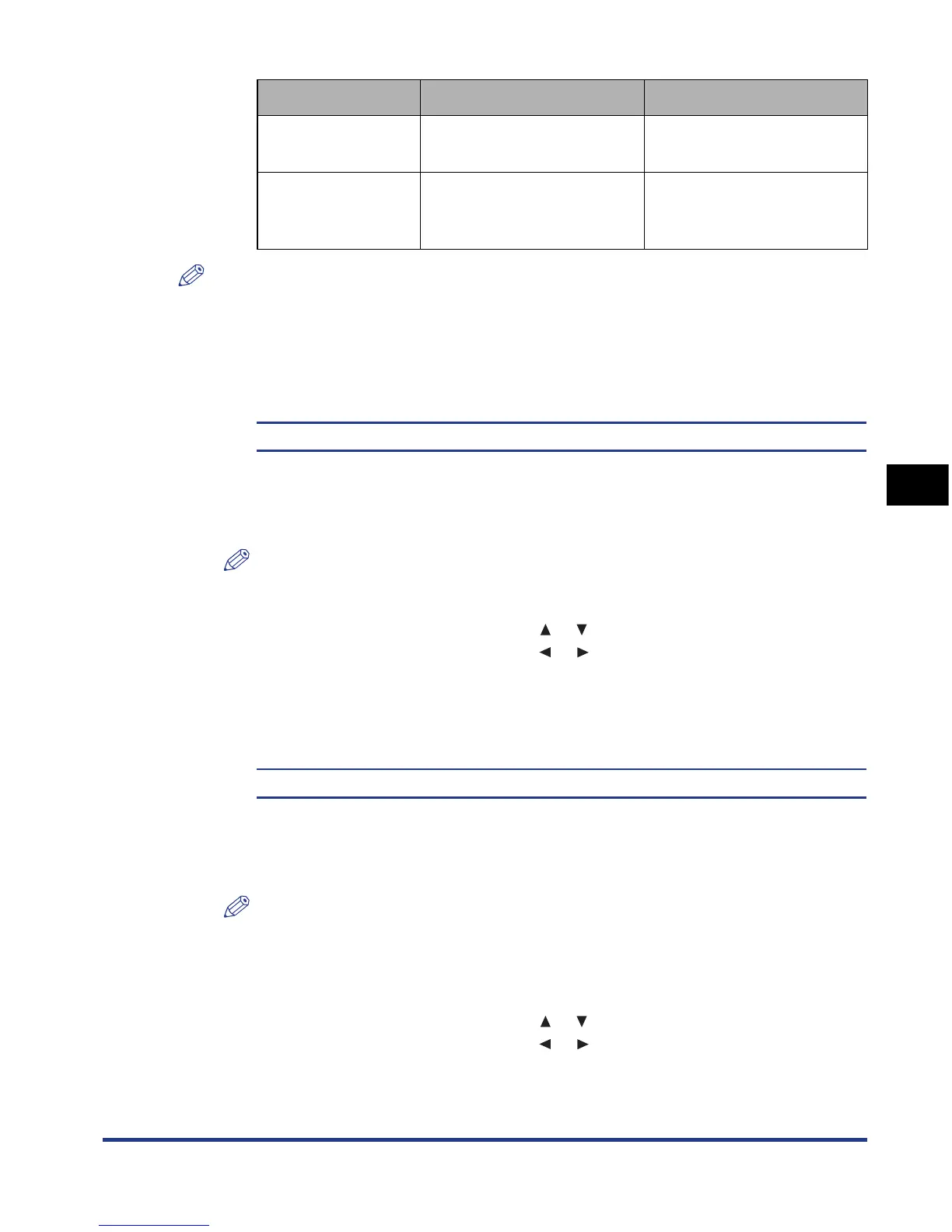
Setting Status Message/Indicator Blink
CHECK TONER
When a toner cartridge
needs to be replaced soon
<16 PREPARE TONER>
CASSETTE
EMPTY
When the paper cassette
has run out of paper
The Paper Source indicator
for the paper source that
has run out of paper blinks.



 To Next Page