3-40
Printing from the Multi-purpose Tray
Loading and Outputting Paper
3
Loading Plain Paper, Heavy Paper, Transparencies, or Labels in the
Multi-purpose Tray
perform the following procedure to load plain paper, heavy paper, transparencies,
or labels in the multi-purpose tray.
1
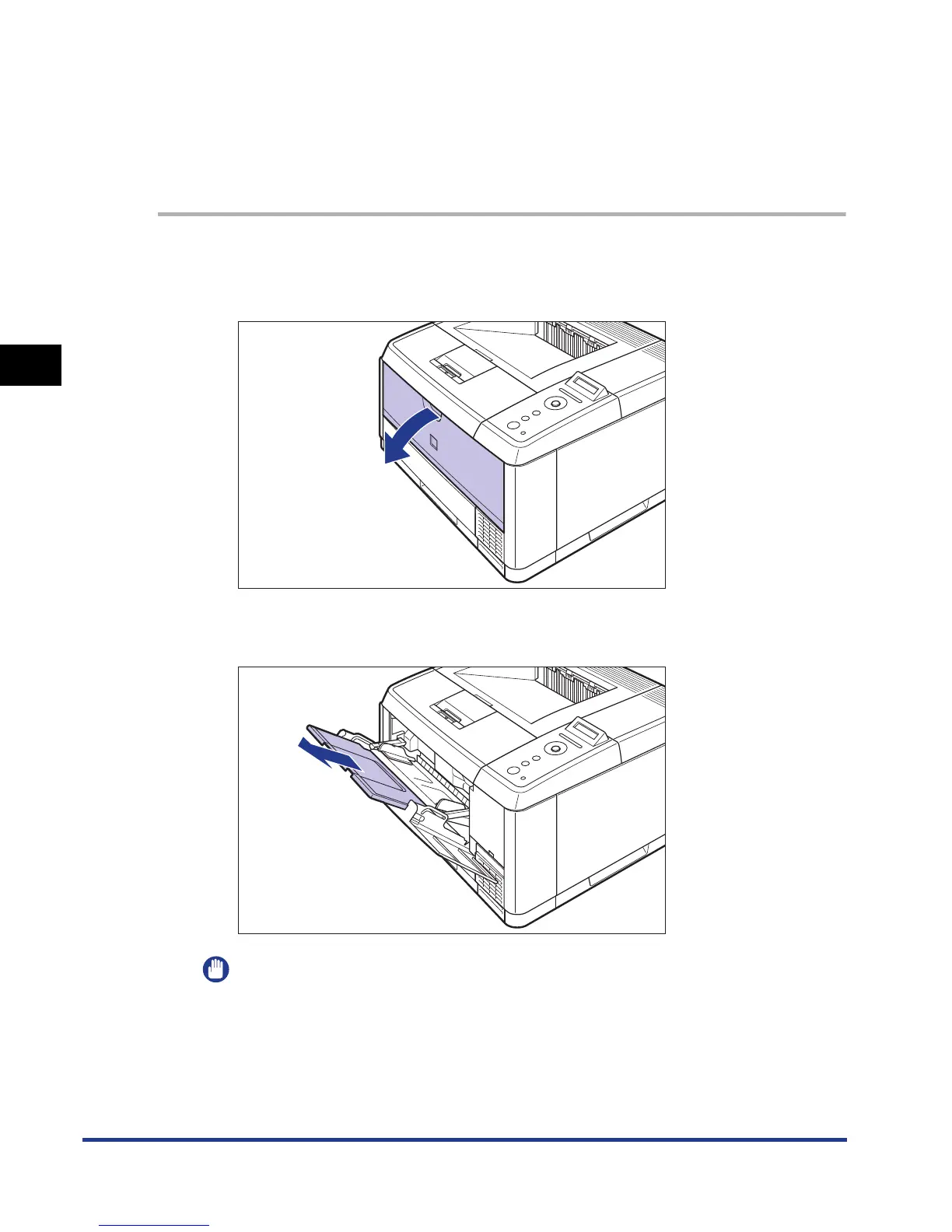
Open the multi-purpose tray.
Holding the opening at the center of the printer, open the multi-purpose tray.
2
Pull out the auxiliary tray.
IMPORTANT
Be sure to pull out the auxiliary tray when loading paper in the multi-purpose tray.











 To Next Page