8-4
The Lists Common to Certain Settings in the Operation Mode
Appendix
8
The Lists Common to Certain Settings in the Operation
Mode
This section describes the lists common to certain settings in the operation mode.
IMPORTANT
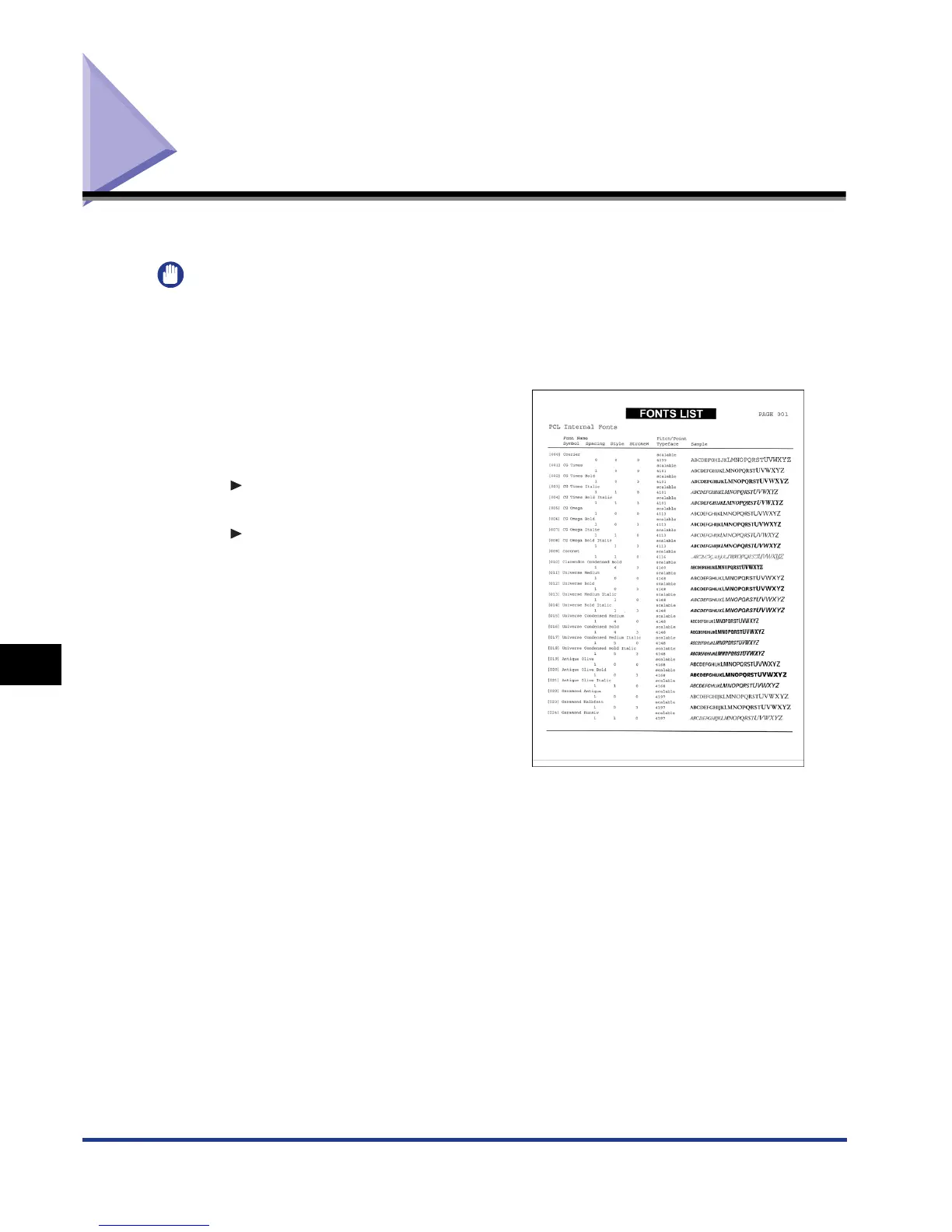
The following list is a sample. The contents may partially differ from the lists printed by
your computer.
PCL Font List
A list of the fonts that can be used in the PCL
mode is printed.
1. Make sure that the printer is online.
2. Press [Utility] to display the UTILITY menu.
3. Press [ ] to display PCL UTILITY.
4. Press [OK] to display Exclusive Utilities for PCL.
5. Press [ ] to display FONTS LIST.
6. Press [OK] to output the page.











 To Next Page