Turning the Printer ON/OFF
2-4
Using the Printer
2
1
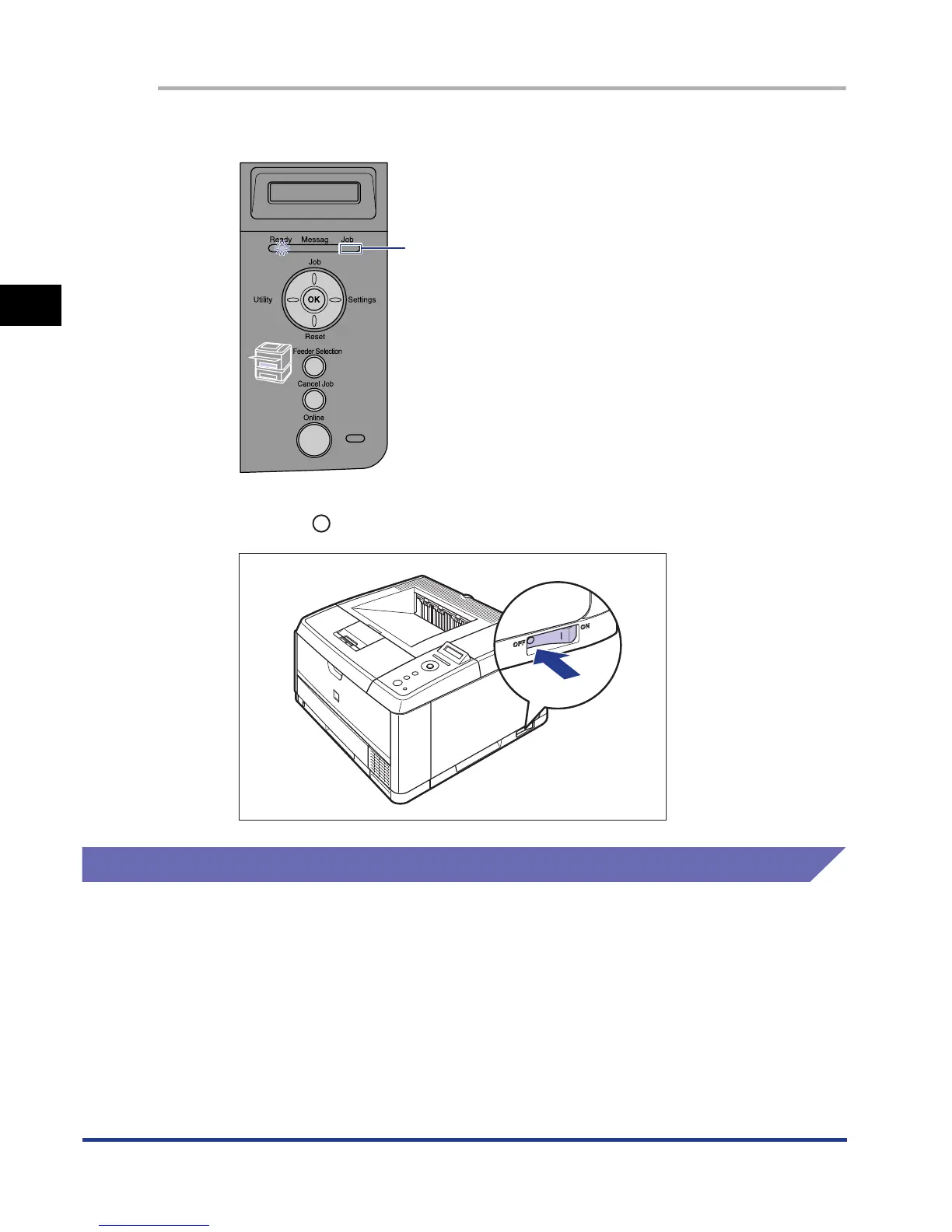
Make sure that the Job indicator is off.
2
Press " " of the power switch on the printer.
Power Saving (Power Save Mode)
You can reduce power consumption efficiently by using Power Save Mode when the
printer is idle or not in use.
There are the following two kinds of Power Save Mode.
OFF











 To Next Page