6-2
Replacing the Toner Cartridge
Routine Maintenance
6
Replacing the Toner Cartridge
This section describes how to replace or handle the toner cartridges and
precautions on storing them.
Contact the store where you purchased the printer to obtain replacement toner
cartridges.
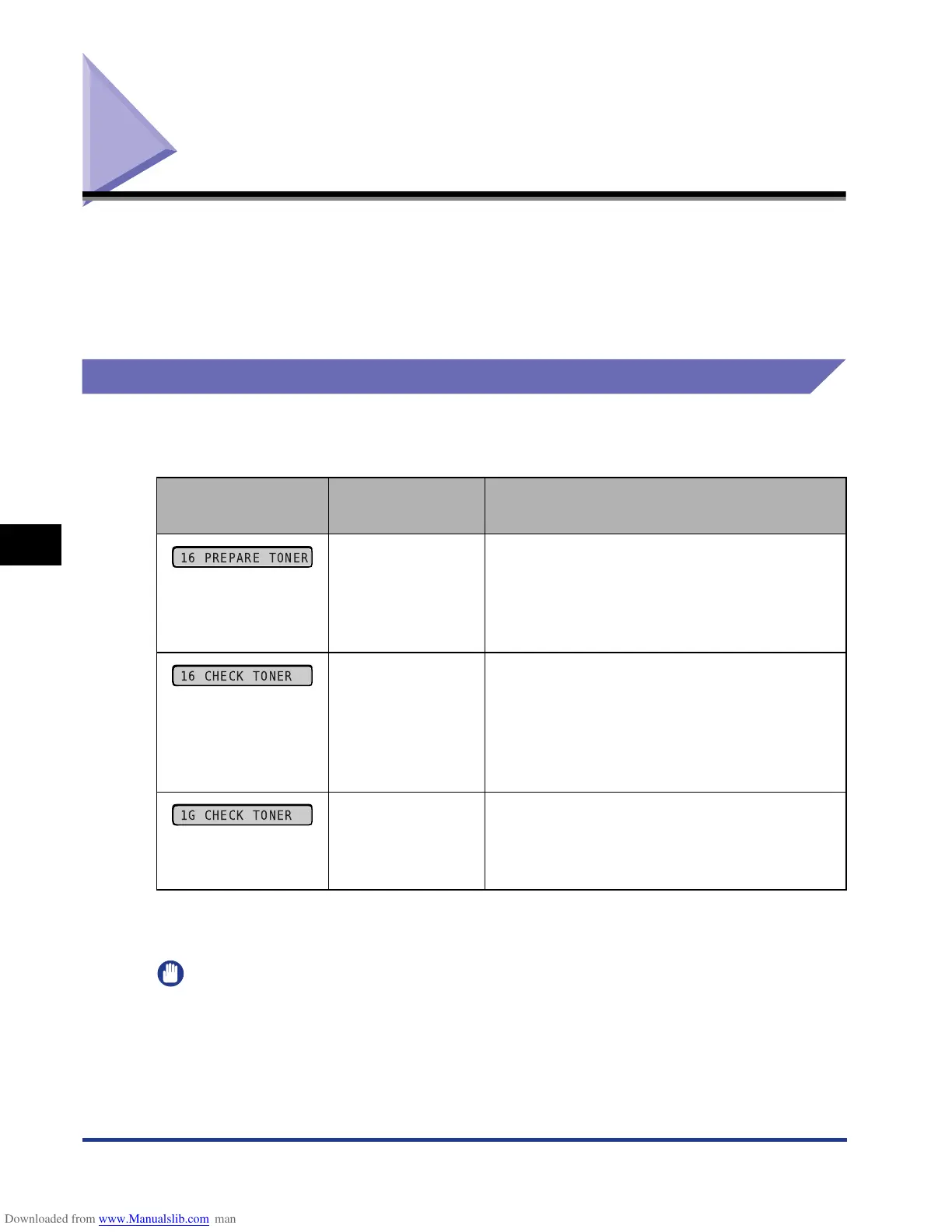
When <PREPARE TONER>/<CHECK TONER> Appears
Toner cartridges are consumable products. If the toner is running out during
printing, a message appears in the display.
* Whether <16 PREPARE TONER> or <16 CHECK TONER> appears when lifetime of a toner cartridge has reached
depends on the setting for WARNING STEP (See p. 5-11) in the SETUP menu. The printer is set to display <16
PREPARE TONER> in the default settings.
IMPORTANT
If the printing appears faint or inconsistent even when <16 PREPARE TONER> or <16
CHECK TONER> does not appear, this may be due to any toner cartridge reaching the
end of its life. Do not continue to use the toner cartridge and replace it with new a one
when there is deterioration in print quality. When you replace a toner cartridge, be sure to
use a toner cartridge designed for this printer.
Message
When it is
Displayed
Contents and Remedies
When a toner
cartridge needs to
be replaced soon
- You can continue to print.
- Have a new toner cartridge available.
- It is recommended that you replace the toner
cartridge before printing a large amount of
data.
When a toner
cartridge needs to
be replaced soon
- The printer stops printing.
- Pressing [Online] continues the job.
- Have a new toner cartridge available.
- It is recommended that you replace the toner
cartridge before printing a large amount of
data.
When the toner
cartridge has
reached the end of
its life
- You can continue to print.
- Replace the toner cartridge with a new one.
16 PREPARE TONER
16 CHECK TONER
1G CHECK TONER



 To Next Page