3-22
Printing from the Paper Cassette
Loading and Outputting Paper
3
■ Specifying the Paper Settings in the Printer Driver (See Driver Guide)
When printing from the printer driver, specify the following settings. For more details on
using the printer driver, see Help of the printer driver.
[Page Setup] Sheet
[Output Size] = the size of the loaded paper
[Paper Source] Sheet
[Paper Source] = [Cassette1]
[Cassette 2]
[Paper Type] = [Plain Paper L]: Specify when the paper curls excessively on printing
plain paper (64 - 80 g/m
2
) with [Paper Type] set to
[Plain Paper].
[Plain Paper]: Plain Paper (64 - 80 g/m
2
), Labels
[Heavy Paper 1]: Heavy Paper (90 - 163 g/m
2
)
Precautions on Loading Paper
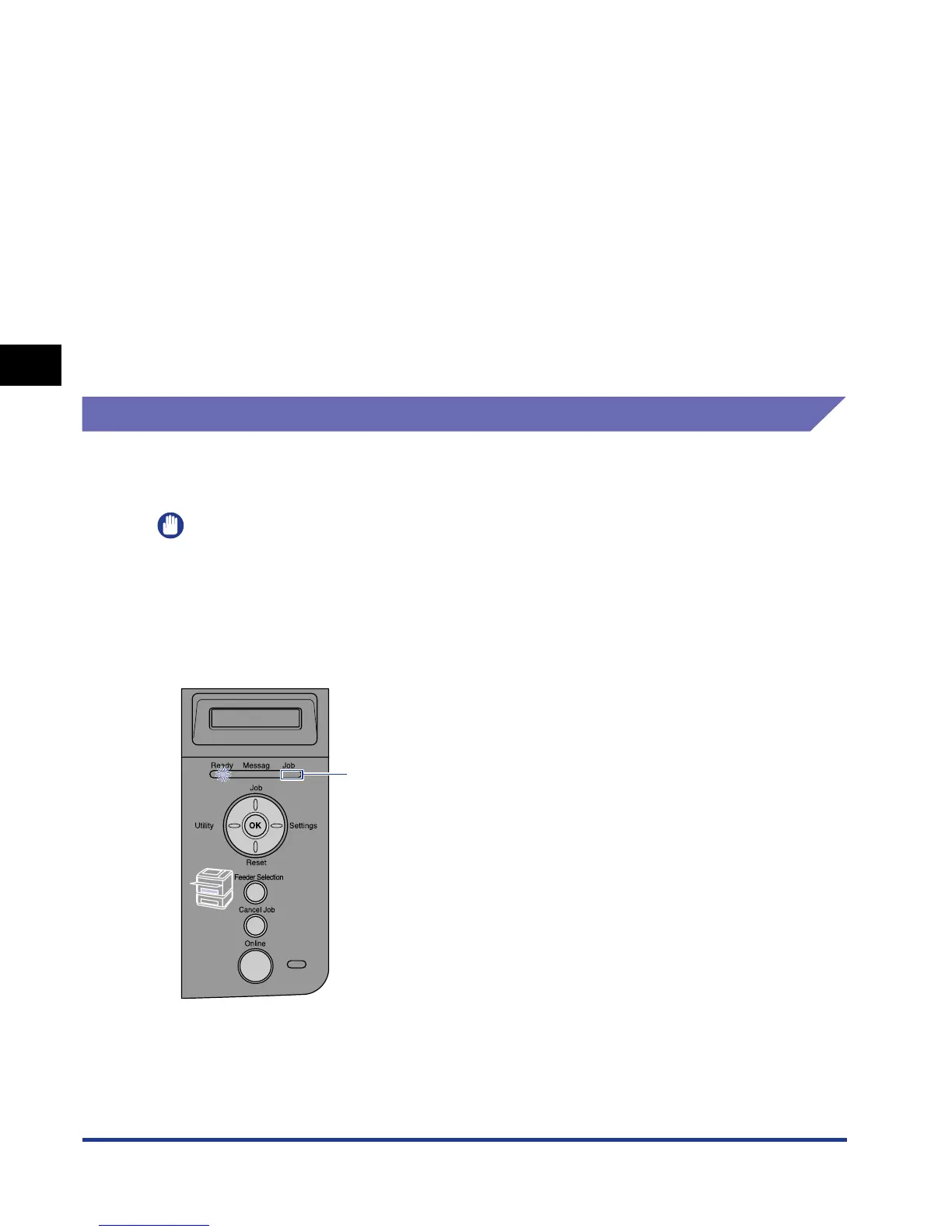
Load paper when the printer status is in any of the following. When the Job
indicator is blinking, the printer is printing. Do not pull out the paper cassette.
IMPORTANT
•
Be sure to turn the printer ON once when loading paper in the paper cassette for the first
time after installing the paper feeder.
•
Be sure not to open the covers or paper cassette during printing. The printer may stop,
disabling printing.
■ When the Job indicator is off
OFF











 To Next Page