2-9
Using the Printer
2
Canceling a Job
Canceling a Job
When a part of print data has already been sent to the printer, the print job may not
be finished even if you cancel the job from the computer. In this case, you can
output the data to finish the printing process of the printer or cancel the job being
processed in the printer or all the jobs.
Outputting Data (Forced Output)
When a job is canceled from the computer or the data is less than one page, the
data may remain in the printer memory, and the job may not be completed properly.
As long as the printer remains in this state, you cannot print the next job because
the printer cannot receive the next data. In this case, force the printer to output the
print data using the following procedure.
IMPORTANT
•
If you have output data, the data being printed is deleted. Print the data from the
computer again as needed.
•
You cannot output data while the Message indicator is on. If you want to delete the
received data, perform a soft reset. (See p. 2-11)
NOTE
•
The Job indicator is on when any print data remains in the printer memory or when no
print data remains in the printer but a job has not yet been completed.
•
If MODE TIMEOUT is specified for the job, even data less than one page is output when
the specified time has elapsed. MODE TIMEOUT for a job is set to 15 seconds in the
default settings.
•
If the Job indicator does not go off even after outputting the data, perform a soft reset.
(See p. 2-11)
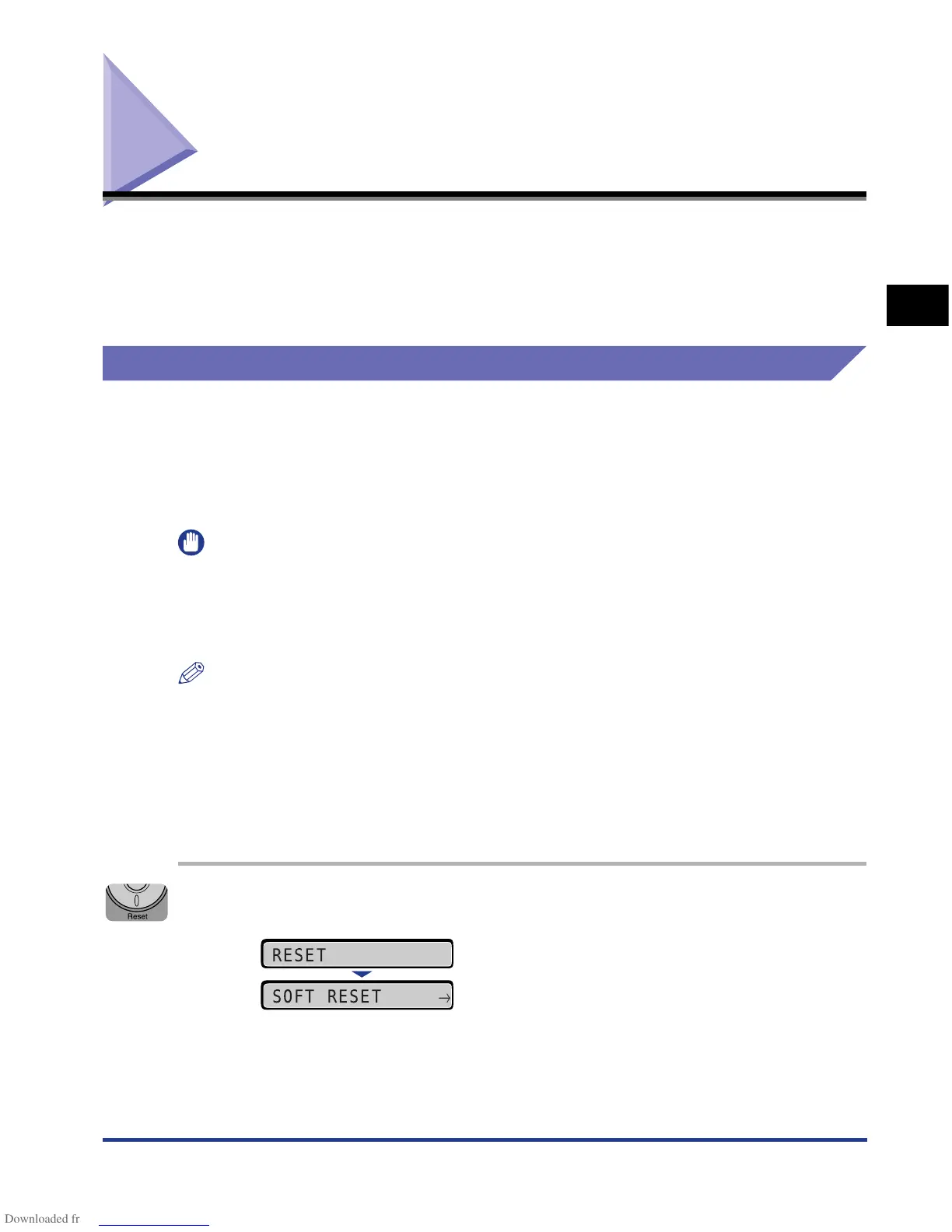
1
Press [Reset].
The RESET menu is displayed.
RESET
SOFT RESET
→











 To Next Page