3-19
Output Trays
Loading and Outputting Paper
3
Selecting an Output Tray
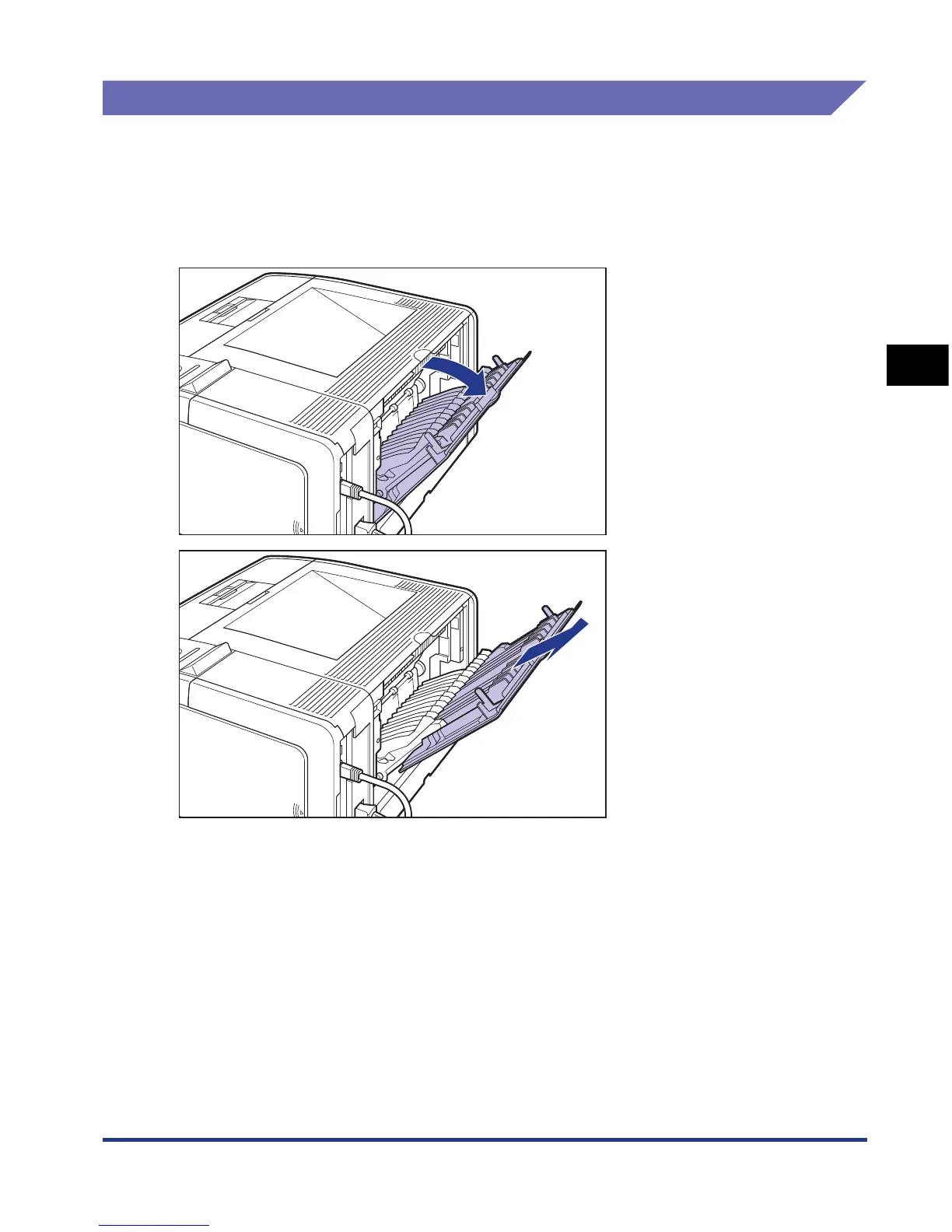
Switching to the Face-up Output Tray
To switch to the face-up output tray, open the face-up output tray a, and then pull
out the extension tray b as shown in the figures. When you use the extension tray,
pull it out completely until it stops.
a
b











 To Next Page