3-32
Printing from the Paper Cassette
Loading and Outputting Paper
3
•
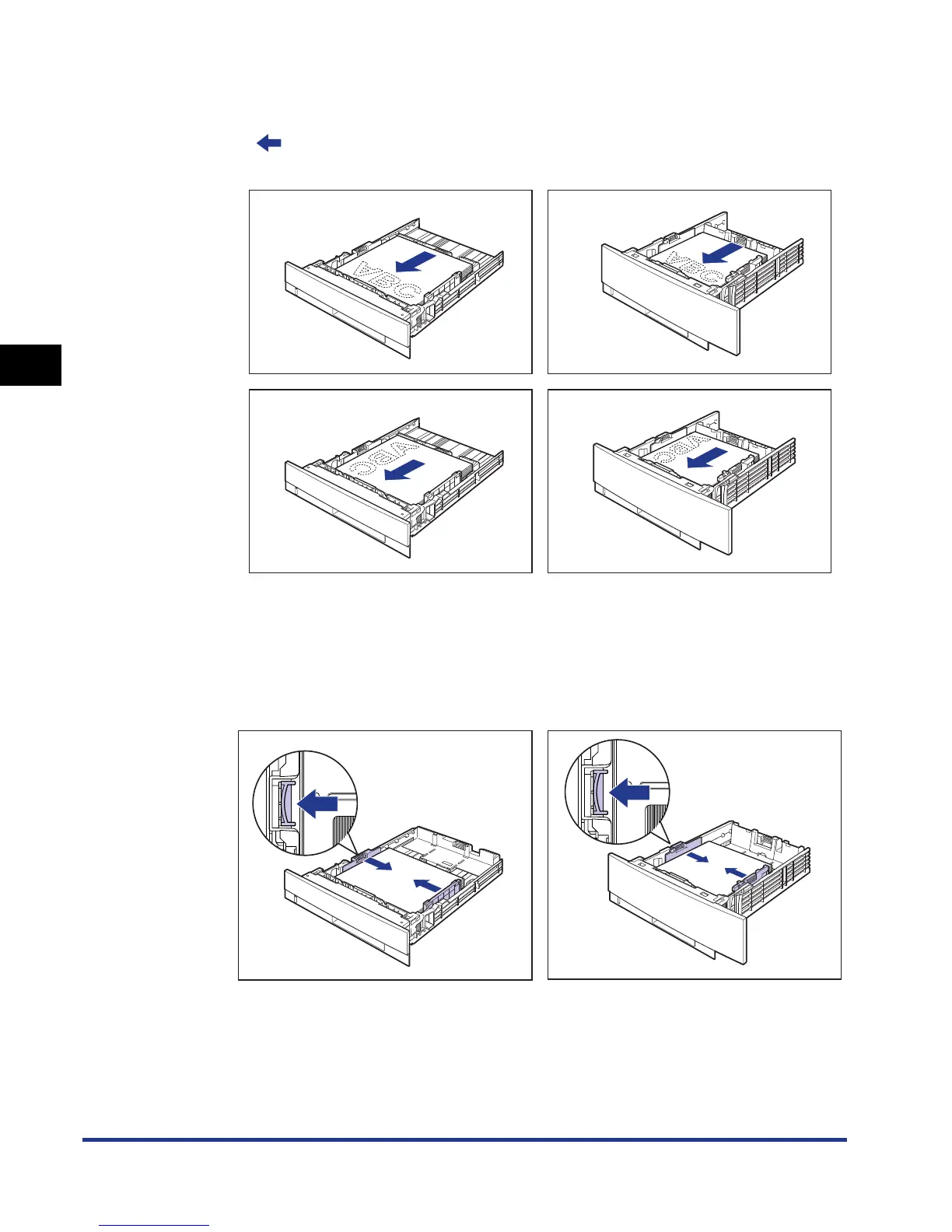
To print letterhead paper or paper printed with a logo when loading paper in
landscape orientation, load the paper so that the printing side is facing down as
shown in the following figures.
( : Feeding direction)
3
While holding the lock release lever of the side paper guides,
slide the guides to the mark for the size of the loaded paper.
The side paper guides move together.
Cassette 1 Cassette 2
Cassette 1 Cassette 2











 To Next Page