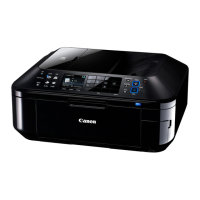
(2) Side cover R unit removal
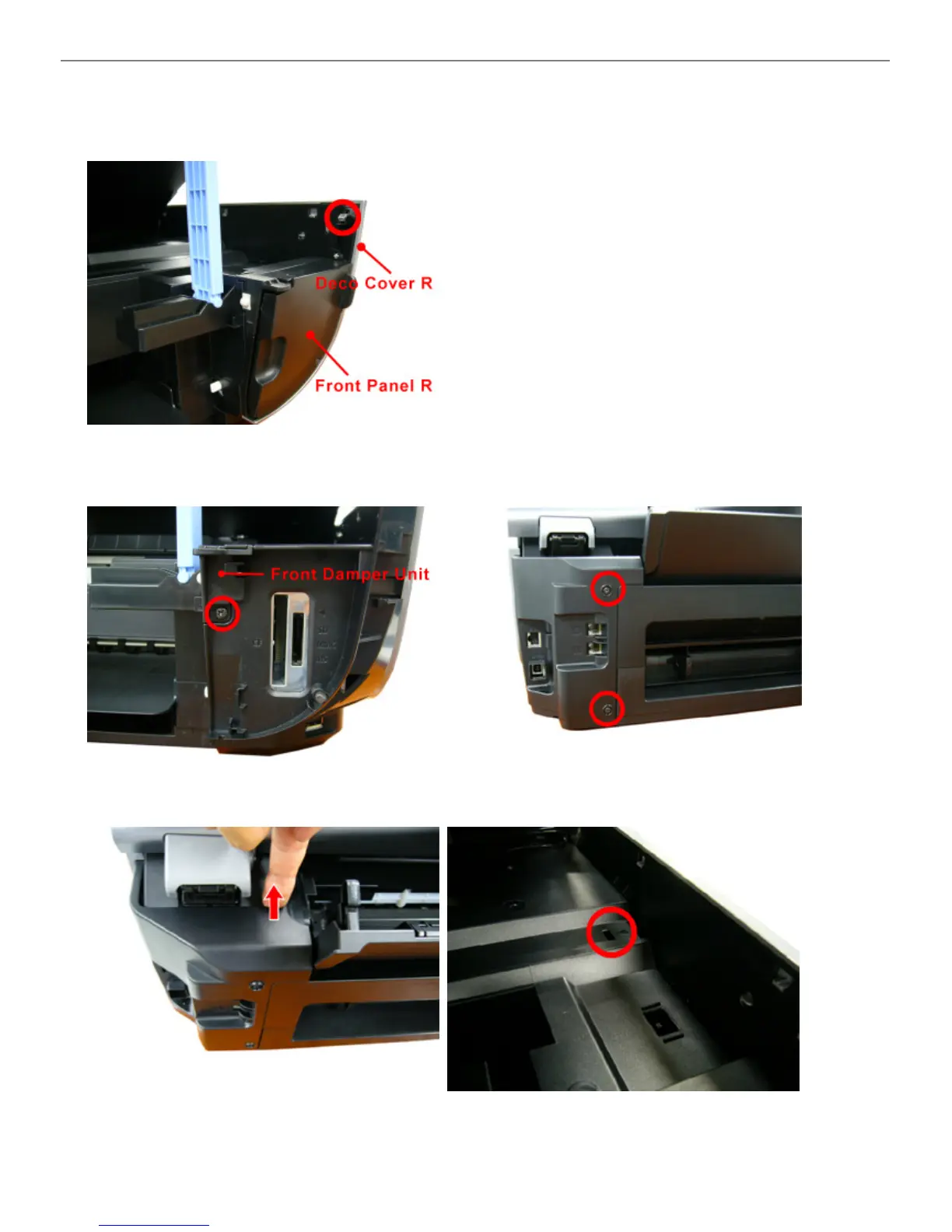
1) Release the hook in the red circle in the photo, and remove the deco cover R.
Note: The deco cover R alone is not designated as a service part.
2) Remove the front panel R.
3) Remove 1 screw, and slide the front damper unit to the
left to release the hook.
4) Remove 2 screws from the rear side.
5) Pull the rear side hook upward to release it. 6) Release the middle frame hook by pressing it using
such as a flat-blade screwdriver.



 To Next Page