(5) Front tray paper feed roller cleaning
1) Press the ON/OFF button to turn off the machine.
2) Set 5 sheets or more of A4 or letter size plain paper in the front tray.
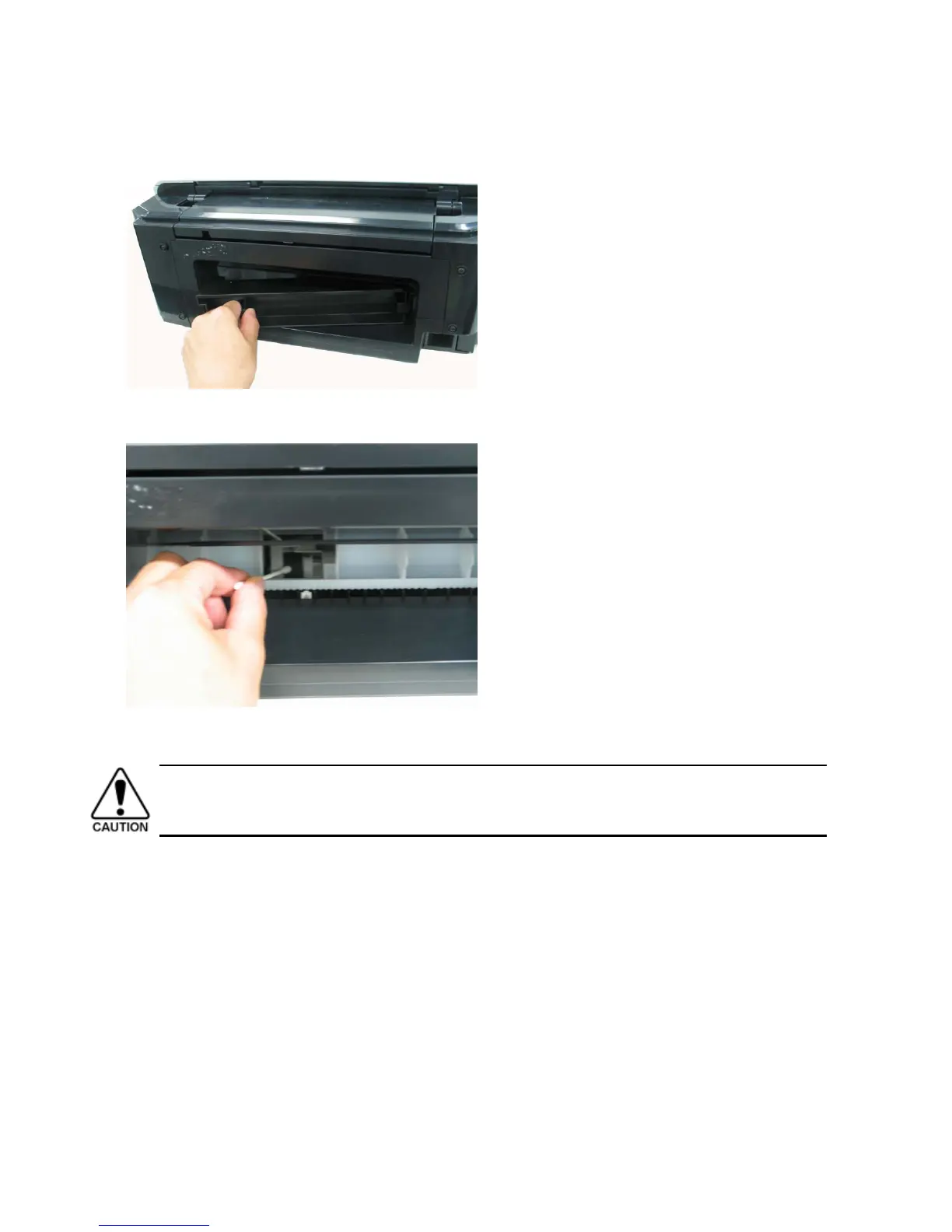
3) Push the rear cover tab to the right and pull out the rear cover.
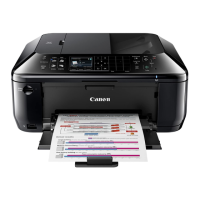
4) While rotating the paper feed roller toward you using your finger, wipe off smears with a cotton swab. If a smear or stain is not
removed easily, moisten the swab and clean the roller.
5) When cleaning is completed, remove the paper from the front tray, and re-set it.
6) Attach the rear cover.
Make sure the rear cover fits in place. Improper attachment of the cover will cause paper jams.



 To Next Page