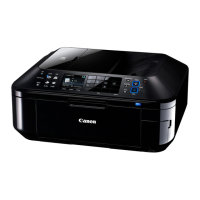
(3) ADF unit removal
(4) Scanner unit removal
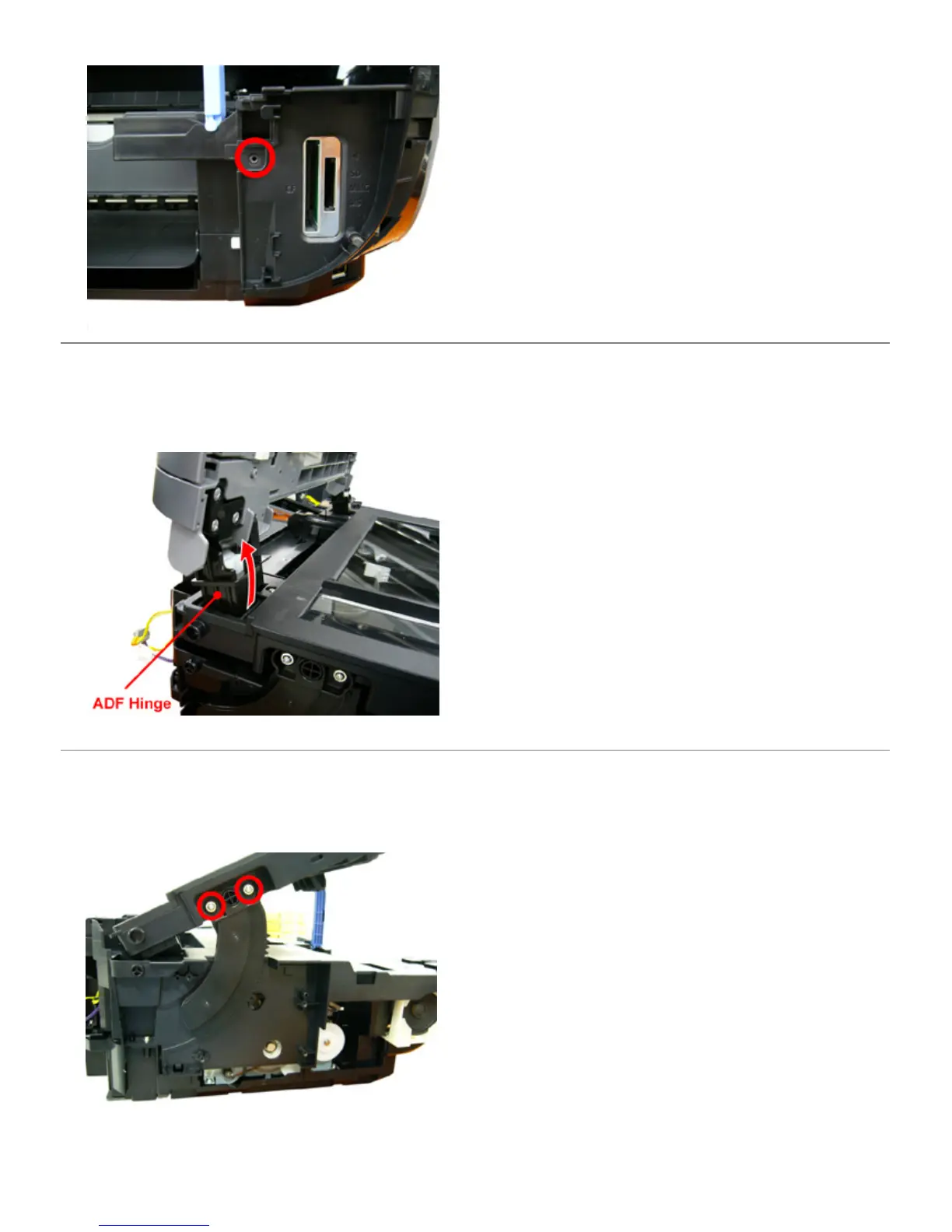
7) Pull the side cover R unit toward the front to disengage it from the round boss, then slide the unit to the right.
1) Remove 2 harnesses.
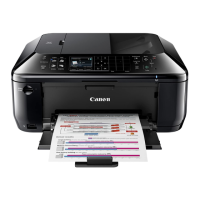
2) Raise the ADF unit, and , while pushing the ADF hinge back, lift the ADF unit.
1) Remove 2 flexible cables and 1 harness.
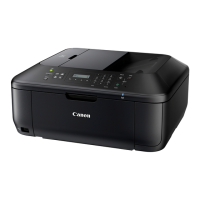
2) Remove 2 screws fixing the damper rack gear.



 To Next Page