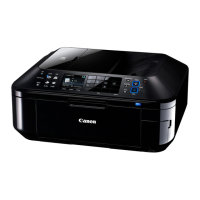
<Button and LCD test>
Confirm the operation after replacement of the operation panel unit, logic board, or LCD unit.
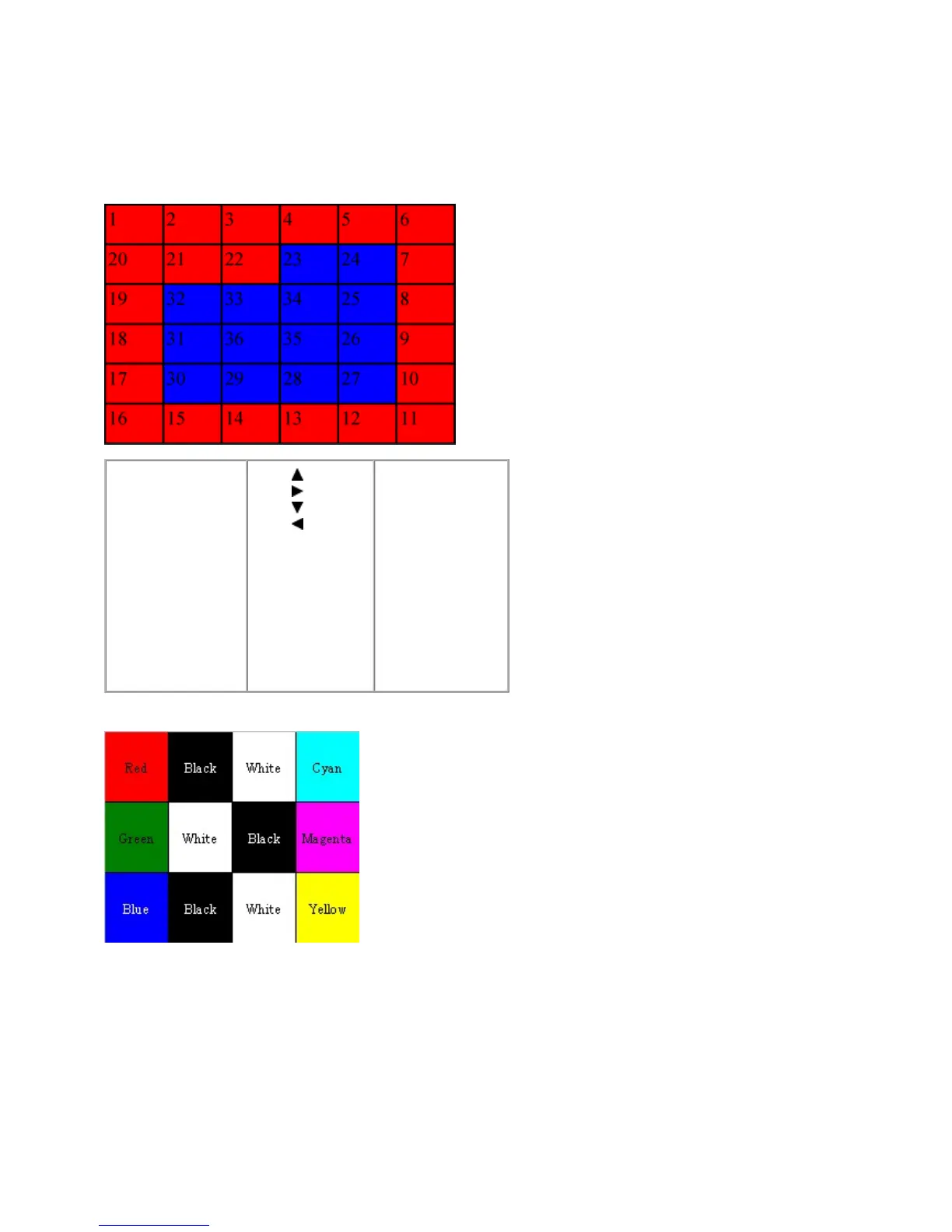
1) In the button and LCD test mode, press the Stop/Reset button. The LCD turns blue, waiting for a button to be pressed.
2) Press each button of the operation panel.
The LCD is divided into 36 segments, representing each button. The color of a segment corresponding to the pressed button
changes to red.
After all the 33 buttons are pressed, the remaining segments (from 34 to 36) turn red at the same time.
3) Open the scanner unit. The color pattern is displayed on the LCD
4) Press the ON/OFF button to exit the button and LCD test, and return to the service mode menu selection.
1. ON/OFF
2. COPY
3. FAX
4. SCAN
5. MEMORY
CARD
6. Enlarge/Reduce
7. FAX Quality
8. Feed Switch
9. Menu
10.
11.
12.
13.
14. OK
15. Back
16. Settings
17. 1
18. 2
19. 3
20. 4
21. 5
22. 6
23. 7
24. 8
25. 9
26. *
27. 0
28. #
29. Redial/Pause
30. Coded Dial
31. Black Start
32. Color Start
33. Stop/Reset



 To Next Page