- Logic board (QM3-2834)
5 times ASF (cam) sensor error [5700] An error occurred in the ASF cam
sensor.
- Sheet feed unit (QM3-2677)
- PE sensor board (QM3-2571)
- Logic board (QM3-2834)
6 times Internal temperature
error
[5400] The internal temperature is not normal. - Logic board (QM3-2834)
- Carriage unit (QM3-2650)
7 times Ink absorber full [5B00,
5B10,
5B01,
5B11]
The ink absorber is supposed to be full.
Message on the LCD:
Ink absorber full. Service required.
Error codes:
Overseas:
5B00: Main ink absorber
5B10: Borderless-print ink absorber
Japan:
5B01: Main ink absorber
5B11: Borderless-print ink absorber
- Ink absorber kit (QY5-0192)
8 times Print head temperature
rise error
[5200] The print head temperature exceeded the
specified value.
- Print head (QY6-0070)
- Logic board (QM3-2834)
9 times EEPROM error [6800] A problem occurred in writing to the
EEPROM.
- Logic board (QM3-2834)
10 times VH monitor error [B200] The internal temperature exceeded the
specified value.
- Print head (QY6-0070)
- Carriage unit (QM3-2650)
- Logic board (QM3-2834)
12 times APP position error [6A80] An error occurred in the APP motor
during purging operation.
- Sheet feed unit (QM3-2677)
- Purge unit (QM3-2651)
- Logic board (QM3-2834)
14 times APP sensor error [6A90] An error occurred in the APP cam
sensor.
- Sheet feed unit (QM3-2677)
- Logic board (QM3-2834)
15 times USB Host VBUS
overcurrent
[9000] The USB Host VBUS is overloaded. - Logic board (QM3-2834)
19 times Ink tank position sensor
error
[6502] None of the ink tank position is detected. - Spur base unit (QM3-2664)
- Logic board (QM3-2834)
22 times Scanner home position
error
[5010] The scanner unit cannot detect the home
position, or the scanner unit warming-up
is not performed properly at power-on.
On the LCD, "Scanner is not operating
correctly." is displayed.
- Scanner unit (QM3-2672)
Power and
Alarm LEDs lit
ROM / RAM error --- The check sum value is incorrect in the
ROM check or RAM check at hard-
power-on.
- Logic board (QM3-2834)
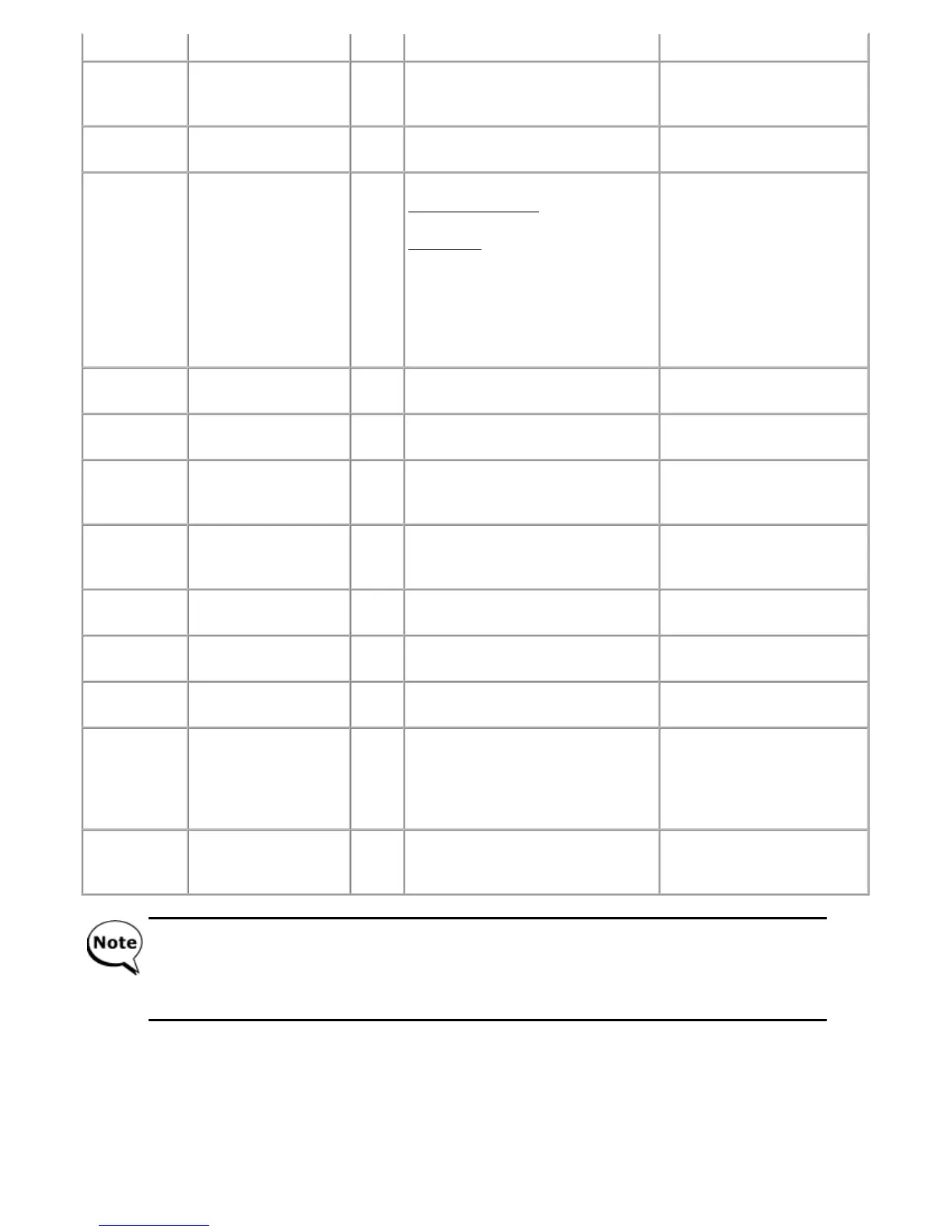
Before replacement of the logic board ass'y, check the ink absorber counter value (by service test print or
EEPROM information print). If the counter value is 7% or more, also replace the ink absorber kit (QY5-0192)
when replacing the logic board ass'y. If the counter value is less than 7%, register the current ink absorber
counter value to the replaced new logic board instead.
[See 3-3. Adjustment / Settings, (10) Service mode, for details.]



 To Next Page