2-5
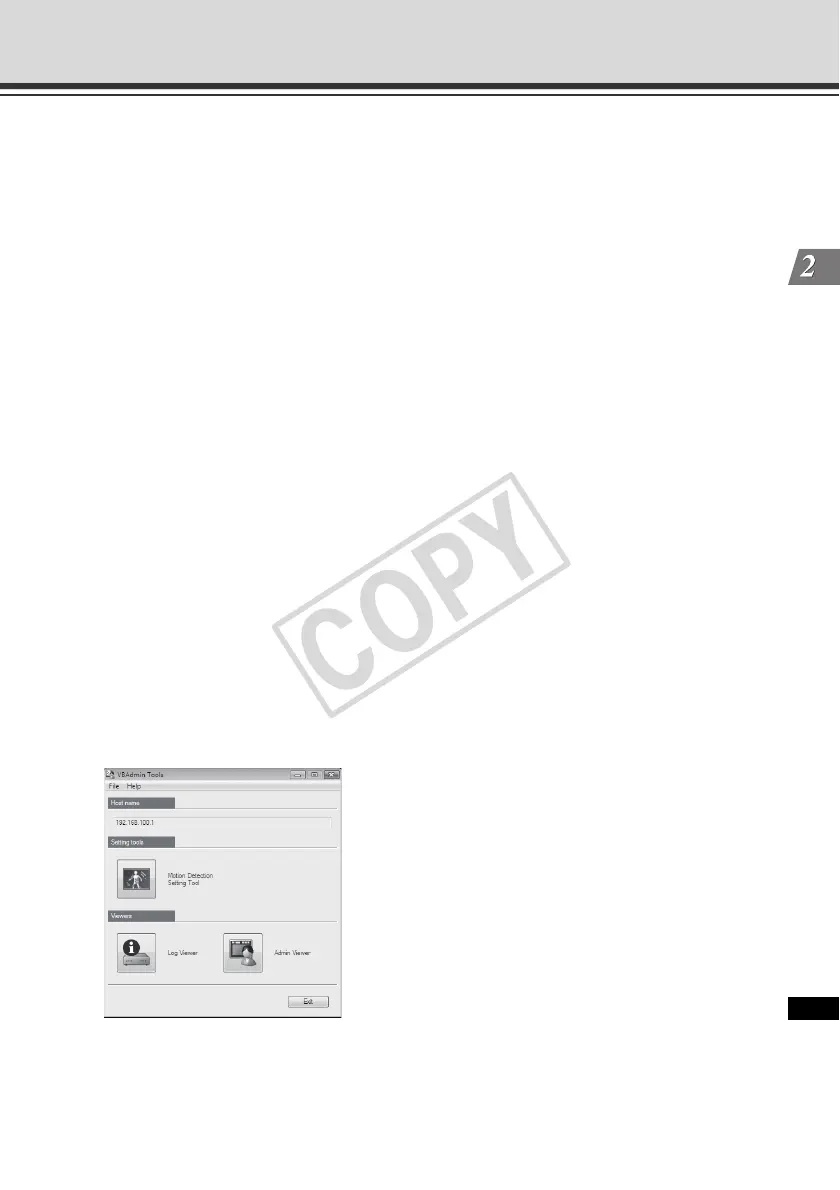
Launching VBAdmin Tools
VBAdmin Tools
(6)Proxy
* For the proxy settings, check with your Network Administrator.
•[Use HTTP proxy server]
Select this check box to connect to the camera via a proxy server.
•[Host name]
Specify the host name or IP address of the proxy server.
•[Port]
Enter the port number of the proxy server (default = [8080]).
•[Load proxy information]
When this button is clicked, the proxy server information set by Internet Explorer will be
imported automatically.
(7)FTP
Not used with this camera. This function can be used with VB-C50i or earlier cameras.
To use Log Viewer of VBAdmin Tools, the camera must establish FTP connection first.
You can select PASV or PORT as the FTP connection mode.
•[Use PASV mode]
Select this check box if you want to use the PASV mode. Normally the PASV mode
should be used. If this check box is cleared, connection will be made in the PORT
mode.
3. VBAdmin Tools launches.
You can click the button for each of the three tools to launch [Motion Detection Setting Tool],
[Log Viewer] or [Admin Viewer].



 To Next Page