2-6
Launching VBAdmin Tools
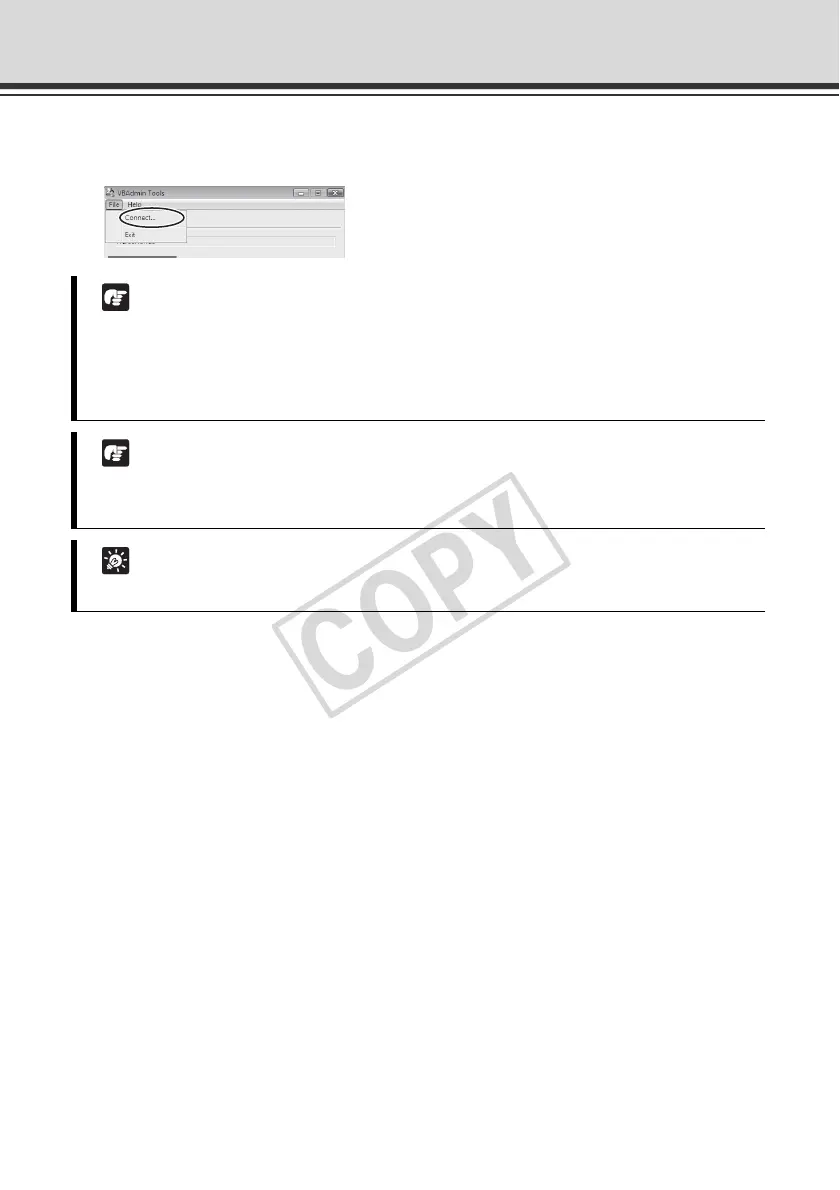
If the connection has been cut off, etc., select [Connect] from [File] in the menu bar to open
the [Connection settings] dialog box.
Note
Notes on Use with Windows Vista/XP
If the [Windows Security Alert] dialog box appeared, click [Unblock].
Once this button is clicked, this warning dialog box will no longer appear.
Note
If connection is made by entering the IPv6 address, Admin Viewer cannot be used on
Internet Explorer 6.
Tip
If other Canon network camera is connected, the available tools will change.



 To Next Page