2-30
Step 4 Install the Camera
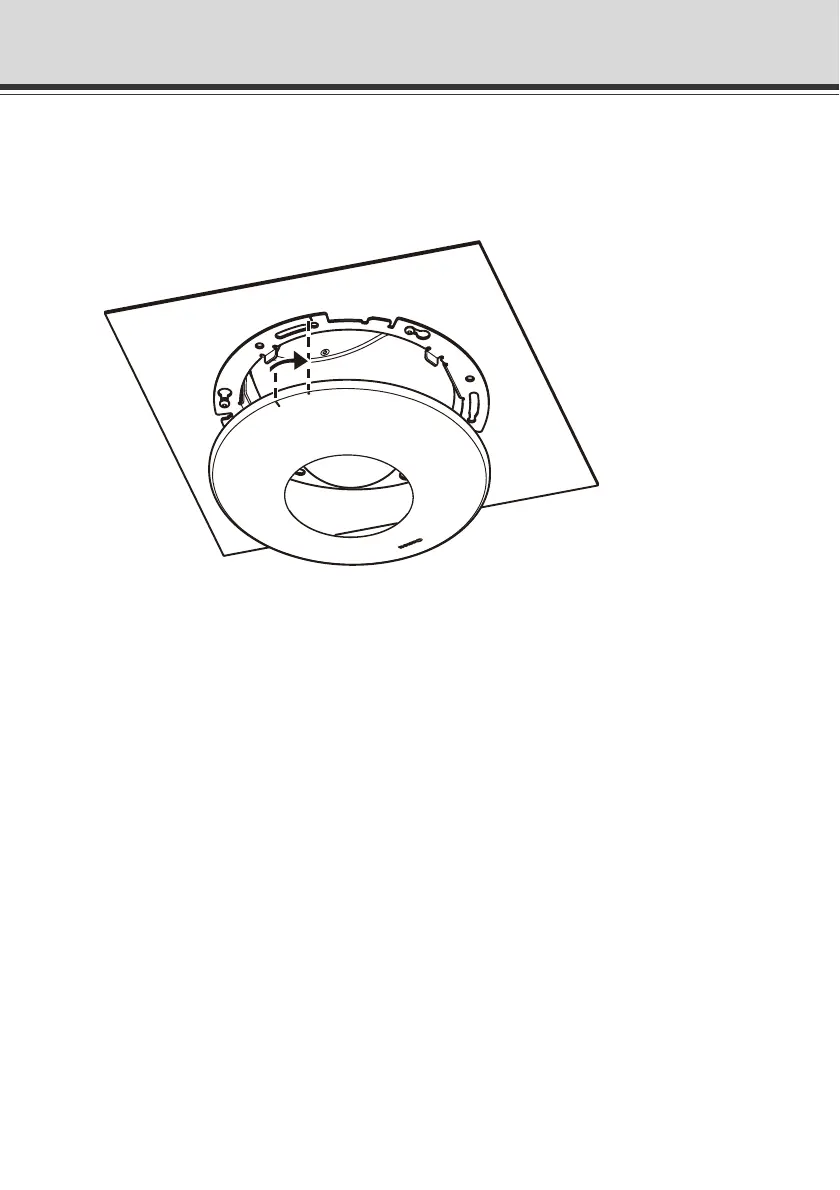
7. Install the recessed mounting cover.
Align the mark (c) on the recessed mounting cover with the mark (I) on the in-ceiling bracket,
and turn the cover clockwise up until the mark (I) on the recessed mounting cover to affix the
bracket in position.
* The figure shows VB-C500D.
This completes the installation.



 To Next Page