2-47
Log Viewer
VBAdmin Tools
How to View
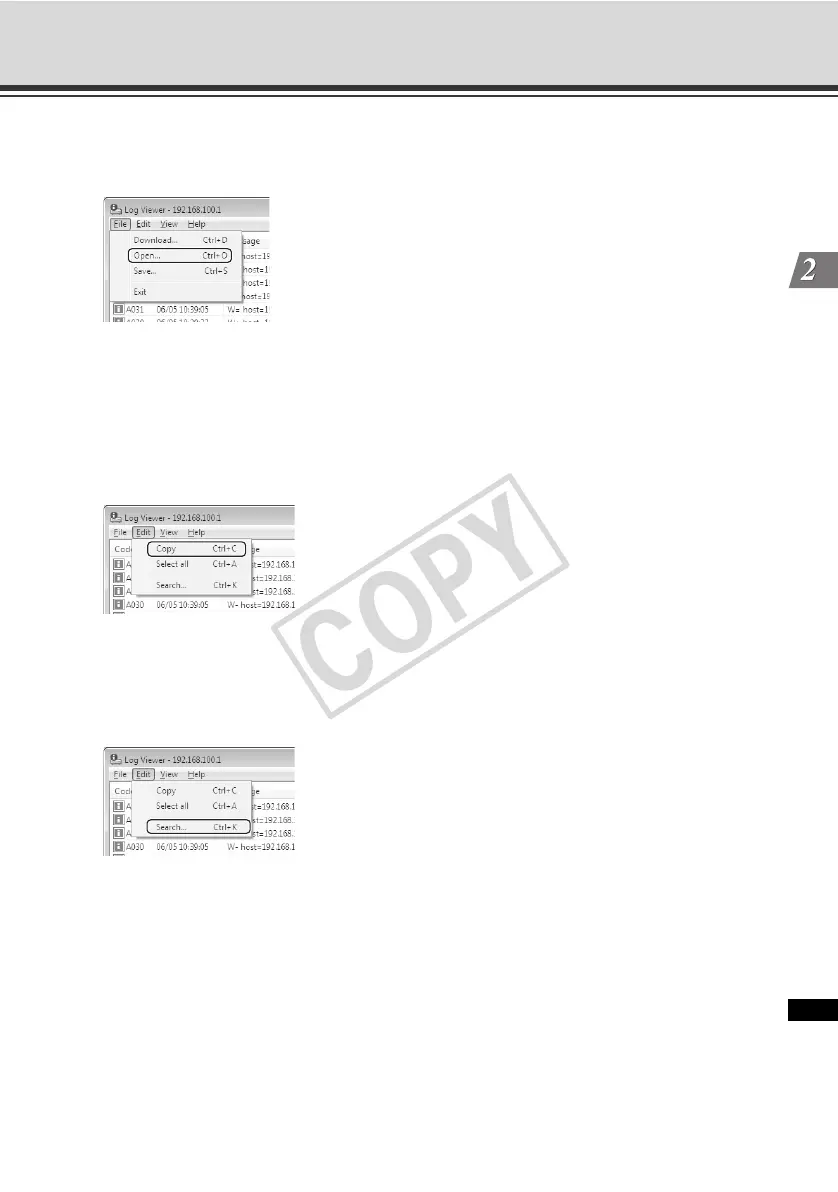
Select [Open] from [File] in the menu bar and then select the log file you want to view.
Copying/Searching Logs
You can copy the displayed log or search logs.
How to Copy
Click to select the log you want to copy, and then select [Copy] from [Edit] in the menu bar.
How to Search
1. Select [Search] from [Edit] in the menu bar.
The Search dialog box appears.
2. Enter a desired character string, and then click [Search].



 To Next Page