2-11
Panorama Creation Tool
VBAdmin Tools
Capturing Panorama Images
How to Capture
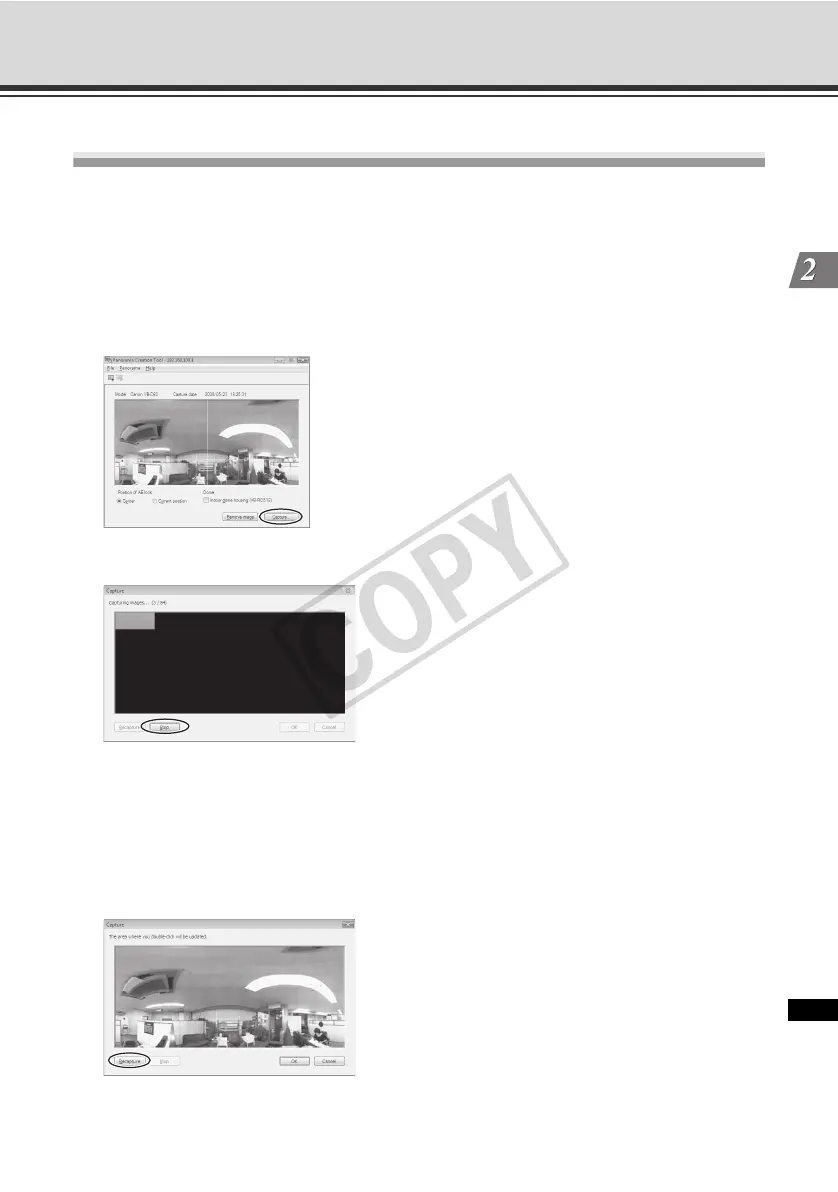
1. Click the [Capture] button to start capturing an image.
If necessary, switch the AE lock position.
If the optional Indoor Dome Housing is used, select the [Indoor dome housing (VB-RD51S)]
check box.
To stop the capture in the middle, click the [Stop] button.
2. If you are happy with the captured image, click the [OK] button.
To recapture an image, click the [Recapture] button.
Also, double-clicking each part of the displayed grid lets you recapture the applicable part
only.
To discard the captured image, click the [Cancel] button.



 To Next Page