xiv
Top Page of the Camera
User Authentication When Accessing Setting Menu or
Admin Viewer.
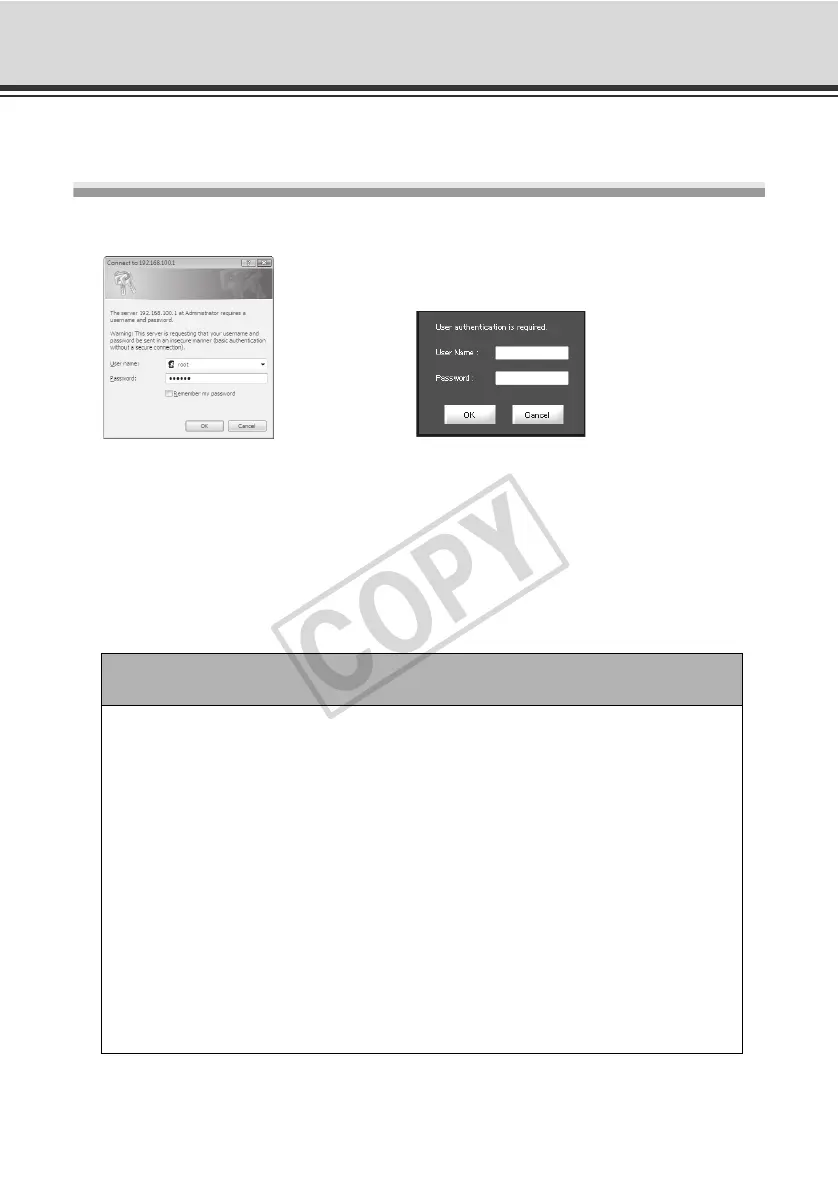
User authentication is required when accessing the camera's [Setting Menu] or [Admin Viewer].
Authentication Screen on [Setting Page] Authentication Screen on [Admin Viewer]
The factory settings are specified below.
User name: root
Password: VB-C60
The user name "root" is the Administrator account for the camera.
Note
• Be sure to change the default Administrator password to ensure security of the
system. Don't forget the new password.
• If the sample pages ( P. 4-4) must be deleted for security reasons, access the
file found at the following path via FTP and back up a copy of the file to a PC,
etc., before deleting the sample pages.
Path to English samples : /mnt_flash/www/html/sample/en/
Path to Japanese samples : /mnt_flash/www/html/sample/ja/
Path to French samples : /mnt_flash/www/html/sample/fr/
Path to Italian samples : /mnt_flash/www/html/sample/it/
Path to German samples : /mnt_flash/www/html/sample/de/
Path to Spanish samples : /mnt_flash/www/html/sample/es/
To restore deleted sample pages, you must rewrite to the above paths the
backup files that have been copied to a PC, etc. Be sure to create a backup
before deleting a file.



 To Next Page