3-25
Performing Operations and Settings as the Administrator
VB-C60 Viewer
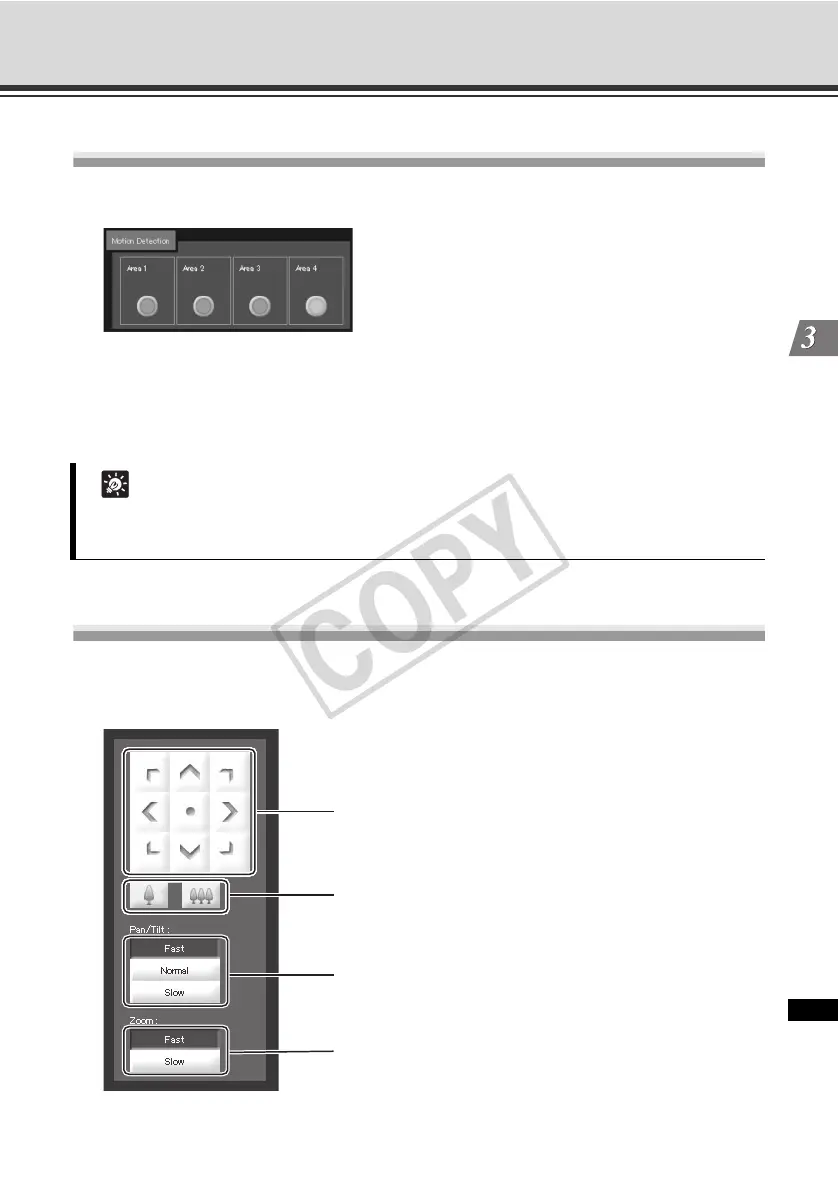
Displaying the Motion Detection Status
You can display the detection status of the motion detection function.
Example:
Areas 1 to 3: Detection status OFF
Area 4: Detection status ON
Controlling/Setting the Camera
Click the applicable camera control buttons to perform pan, tilt and zoom operations and set the
speed of each operation.
Tip
Set the motion detection options beforehand using "Motion Detection Setting Tool" ( P. 2-34)
of VBAdmin Tools.
(1)
(2)
(3)
(4)



 To Next Page