3-23
VB-C60 Viewer
Performing Operations and Settings as the
Administrator
The operations and settings that can only be performed in the Admin Viewer are explained.
Opening Control for Admin
How to Operate
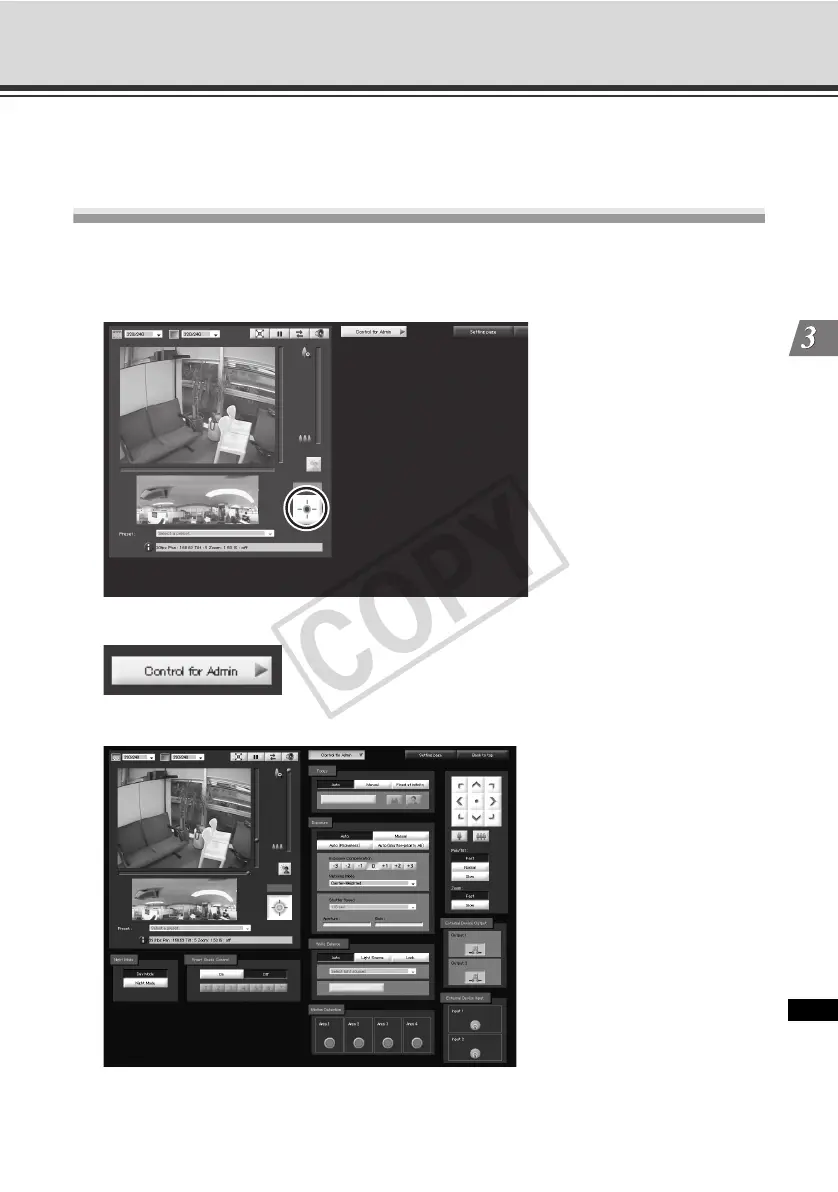
1. Click "Obtain/release Camera Control" to obtain the control privileges.
2. Click [Control for Admin].
3. The Control for Admin appears.
* Control for Admin can be opened even when camera control privileges have not been acquired.
However, all items in the Control for Admin operation area are grayed out except for the external input
status display and motion detection status display.



 To Next Page