1-40
Setting User Access Privileges (Access Control)
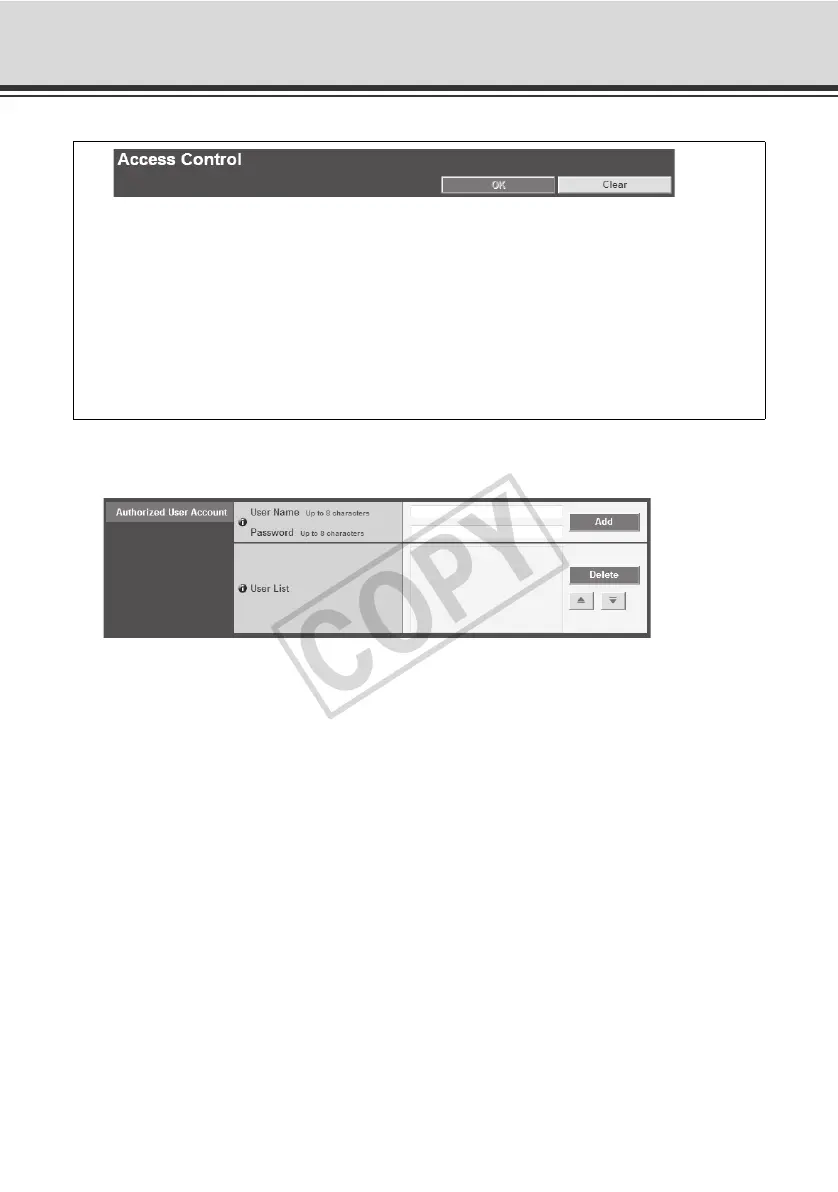
Authorized User Account
(1) [User Name], [Password]
Enter the user name and password and then click [Add]. The authorized user will be added to
the user list.
The user name can consist of up to eight (single-byte) characters of A to Z, a to z, 0 to 9, -
(hyphen) and - (underscore).
The password can consist of up to eight (single-byte) ASCII characters (space or printable
characters).
(2) [User List]
A list of authorized users is shown. User privileges can be set for these users. Up to 50 users
can be registered other than the Administrator (root).
Also, the user list can be sorted using the and buttons on the right.
To delete a user, select the applicable user from the user list and then click [Delete].
You can set the following items.
z Authorized User Account
Register users who can access this camera.
z User Authority
Set the privileges of authorized users and guest users.
z Host Access Restriction
Specify the hosts from which access is permit and restricted.



 To Next Page