1-24
Setting HTTP/FTP Upload and E-mail Notification
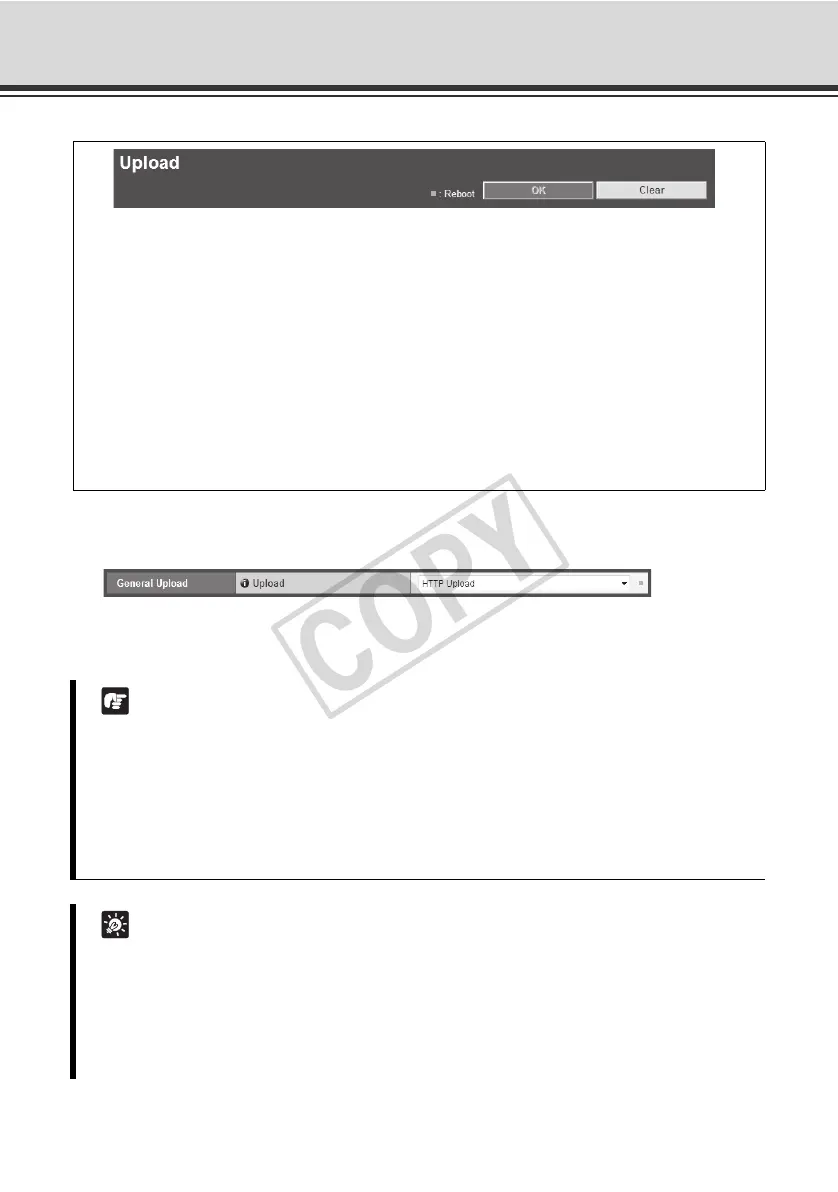
(Upload)
General Upload
[Upload]
Select [Upload Disabled], [HTTP Upload] or [FTP Upload] as the upload mode.
You can set the following items.
z General Upload
Set the upload operations.
z HTTP Upload
Set the upload via HTTP connection.
z FTP Upload
Set the upload via FTP connection.
z E-mail Notification
Set items relating to sending of event information and video by e-mail.
Note
z To use the upload function, the [Event] menu must also be set ( P. 1-34).
z If you are using both e-mail notification by text with image and image upload by HTTP/FTP,
set [320 x 240] or less under [Image Size: Upload] ( P. 1-22)
z If you set the camera to perform upload or e-mail notification continuously, some images or
e-mails may not be sent properly, depending on the image size and network conditions to
the server. In this case, an event log message is displayed.
Tip
To lower the upload or e-mail notification load, try the following measures. Also check the
settings including network to the server.
z Reduce the image file size:
- Set a lower value under [Image Quality] for JPEG ( P. 1-22).
- Set a lower value for [Image Size: Upload] for JPEG ( P. 1-22).



 To Next Page