3-32
Performing Operations and Settings as the Administrator
Setting the Night Mode
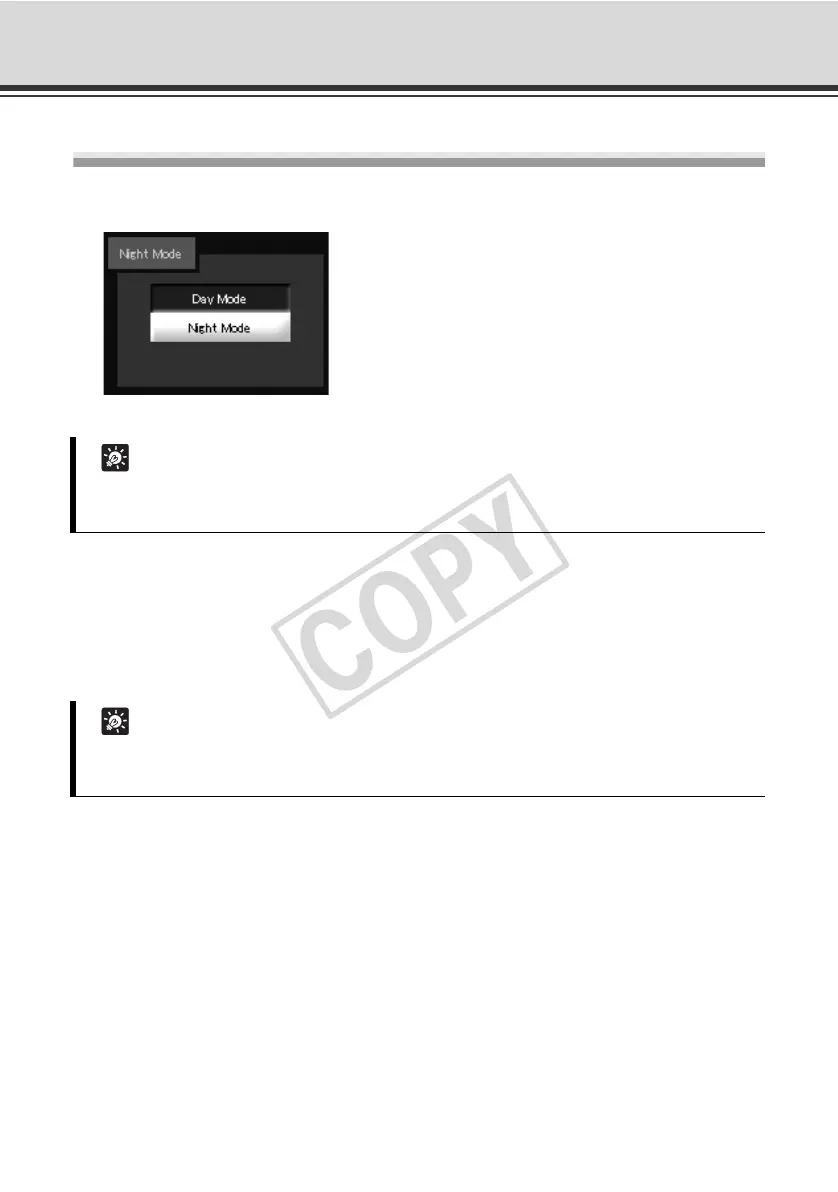
Switch between [Day Mode] and [Night Mode].
[Day Mode]
Color image can be viewed in the normal mode.
[Night Mode]
The infrared cutoff filter is disabled and images are shown in black & white.
Tip
The Night Mode cannot be used if [Auto] is set for Day/Night under [Camera] on the setting
page ( P. 1-19).
Tip
See the memo in P. 1-17 for the focus range that applies when [Night Mode] is set ( P. 1-19,
P. 3-32).



 To Next Page